News & updates released in 2026 (page 2)

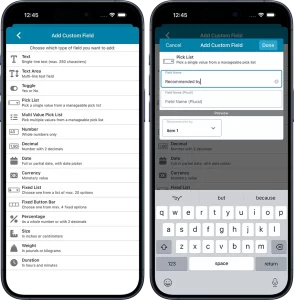 Yes, it has been quite a while since we released updates for the CLZ mobile app. But there is a good reason for that. Most of the CLZ team has been working on our biggest update since years. And its release is very close now!
So here’s a quick heads-up for all users of our CLZ mobile apps: Within 2 weeks, we are going to release major version 11.0 updates for all 5 apps (CLZ Comics, CLZ Movies, CLZ Books, CLZ Music and CLZ Games).
In this version 11, we will introduce an important new CLZ feature, bringing yet another way to customize the app to fit your wants and needs:
Custom Fields: create your own data fields!
The Custom Fields feature will let you create your own data fields, to catalog any information for which the app does not have a built-in field.
You will be able to use the fields like any built-in fields, that is, sort on them, use custom pick list fields as folders, sync the data to CLZ Cloud, print or export list with the custom fields included, etc…
And, if you are also subscribed to the CLZ Web cloud-based software for your computer: the Custom Fields are available there too, so you can sync your created fields and their data between Web and mobile!
[CLZ News] Add covers to Web List View / Mid July: Custom Fields for mobile!
 I know, I know, I am one day late. Yesterday, June 30, we had a celebration with the entire CLZ team, celebrating a big milestone for the company, as we had reached a record number of subscribers for our software and apps. I am afraid I can’t disclose how many, but it is a LOT 🙂 So this means the CLZ Team can keep investing in more improvements, new features and the quality and completeness of our Core databases!
We met at a local hotel, for a speech by yours truly, then drinks, then dinner. we stayed at the hotel overnight too and ended the festivities with a luxurious breakfast buffet. Lots of fun!
The team is back at home again now, ready for work (and NCBD of course!). For me, time to write this June 2026 newsletter. Here we go:
Maybe the most important news is: we are very very close to the launch of the Custom Fields feature for the mobile apps! ETA: mid July! More info below.
Finally, this month we again released two nice features/improvements for the CLZ Web software. Cover thumbnails in the list view, and better keyboard support, mainly in the Edit screen. Full details further down.
The newsletter topics today:
- CLZ Web: Add cover thumbnails to your List View
- CLZ Web: Better keyboard support
- What’s cooking?
- CLZ mobile apps: Create (and Sync!!) your own Custom Fields
- CLZ Music Web: Export and Print *track* lists

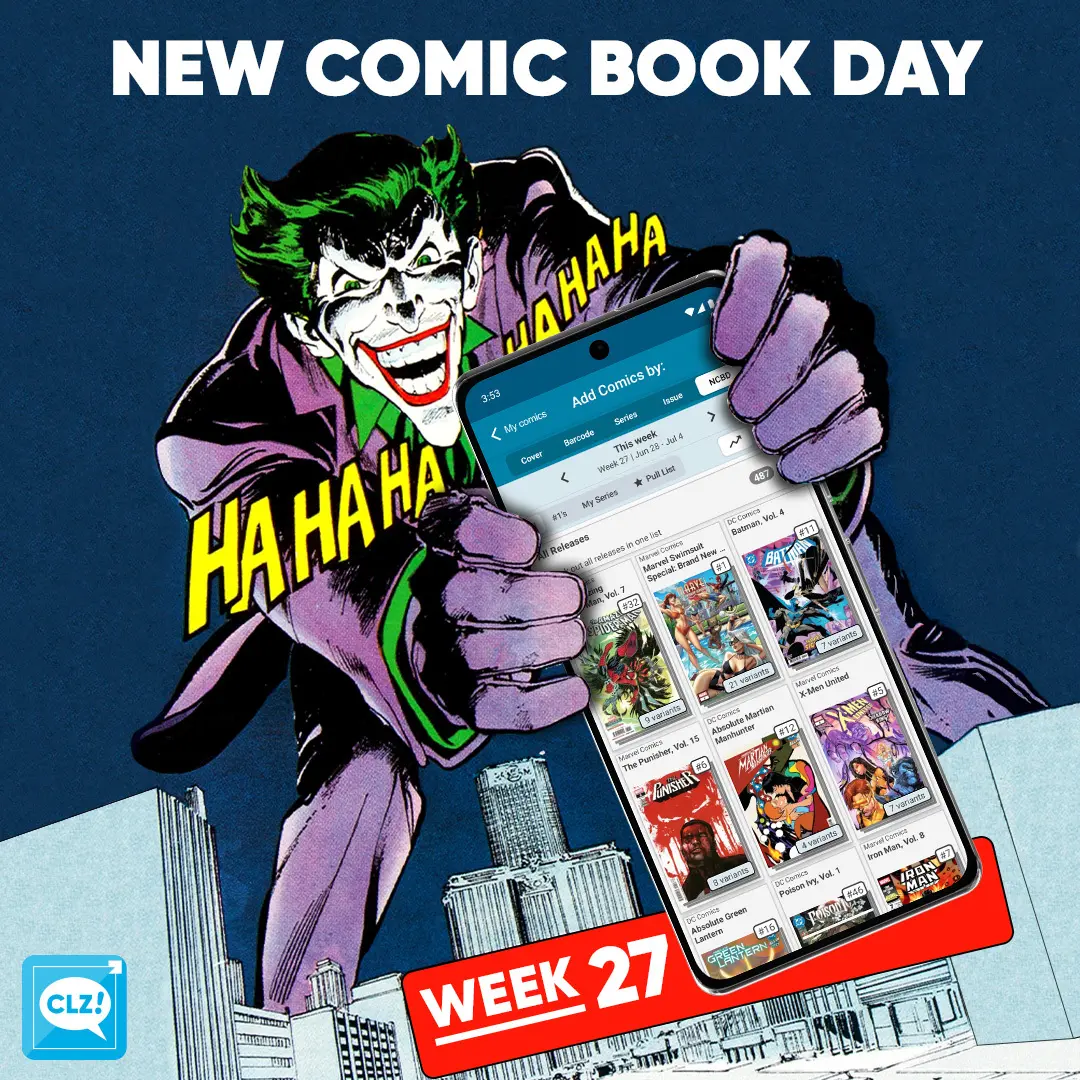
NCBD! A slower release week due to the summer. Need something to cool off? Marvel’s got you covered with their Swimsuit Special! With 21 different covers no less. Absolute Martian Manhunter’s final issue is releasing today as well. Tons of great books to pick up. Here are a few books that were handpicked by our content managers:
CLZ Taco’s pick this week: Radiant Black #43. The previous issue left us on a cliffhanger, really looking forward for this weeks issue. This time bringing in a new artist: Giona Zefiro.
CLZ Rowdy’s pick this week: The Scorched #52. Jessica and her team are now trapped behind enemy lines while two separate armies close in. Will they escape before caught find out with me this weeks issue!
CLZ Justin’s pick this week: Star Wars: Rogue One – Saw Gerrera #1. Saw Gerrera is here once again, this time with higher stakes: information that would provide a tactical advantage that could shift the balance of power in the Rebels’ favor! But is the price to be paid for that information too high?
All comics releasing this week can be found in the NCBD tab in your add comics screen. All new releases have been carefully cleaned up, with lots of info added! Be sure to check them out in the app. Either when you hit your comic shop or, when back home adding your stack you’ve just come home with!
Happy reading!
Read more
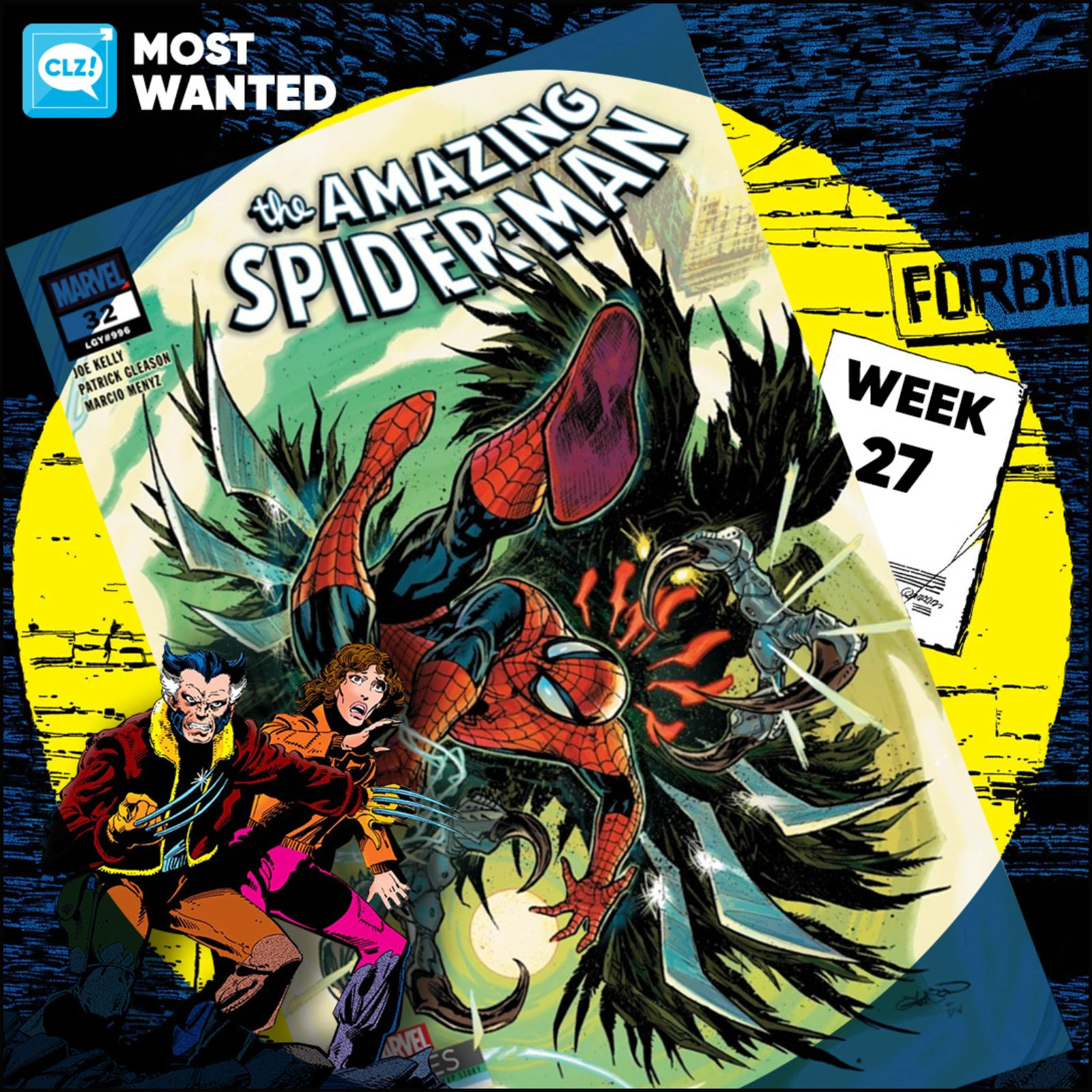
These top-10s are created by you all, the users of the CLZ app and software, as they’re based on how often these comics already appear on your wish lists in the CLZ Cloud, even before release!
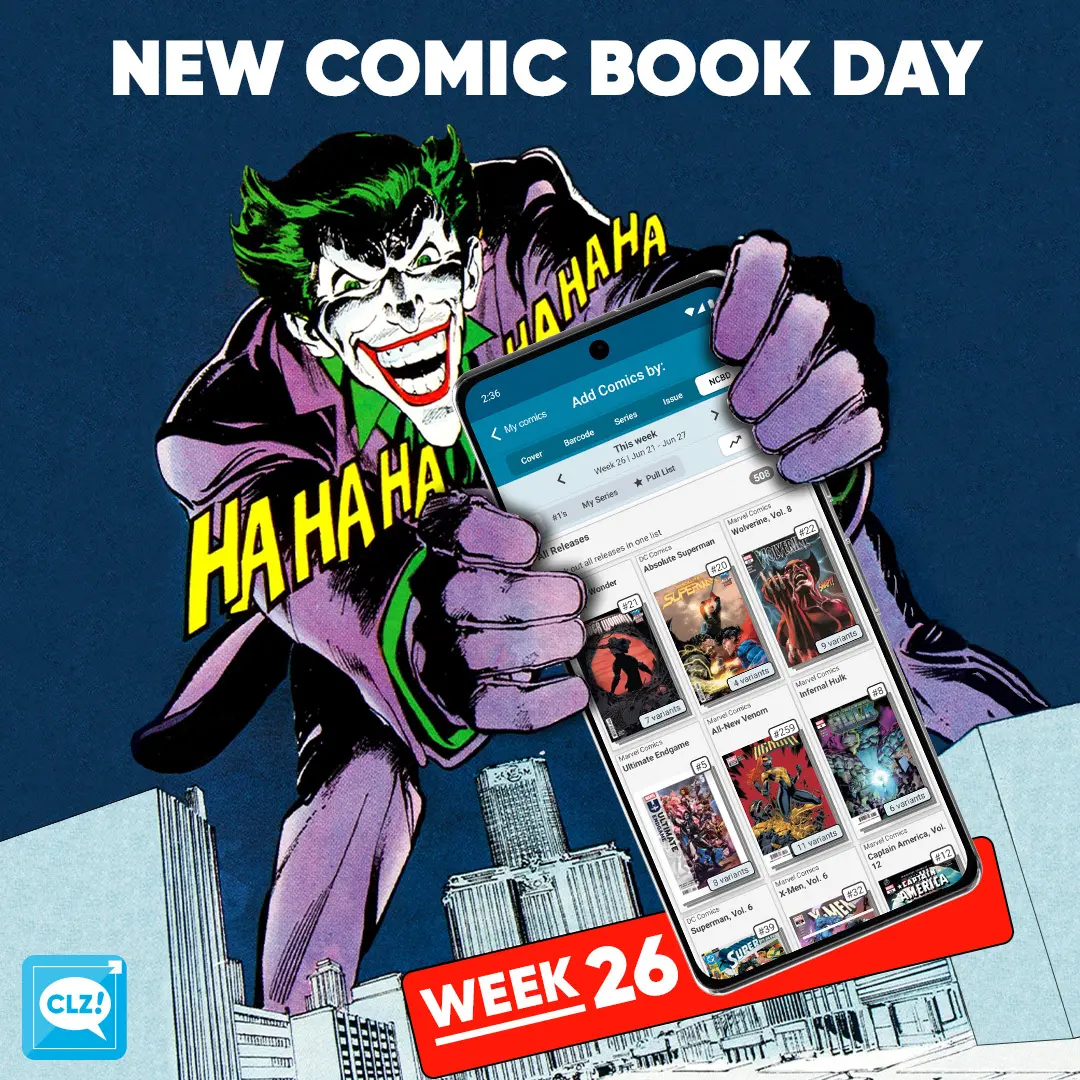
NCBD! Tons of new books cleaned up and ready for you to add to your database. We’re currently working trough the new releases in extremely hot weather! We had Wolverine #22 in our Most Wanted on Monday, looks like 2 Absolute titles crushed poor Wolvie this week. Oh and Supergirl is releasing on Friday. Here are a few books that were handpicked by our content managers:
My pick (CLZ Taco) this week is: Justice League Unlimited #20F. Another Supergirl cover releasing this week, It will never stop! And a Bilquis Evely cover no less. Lex Luthor and the Dark Knight are the heart of the mystery surrounding Brainiac Queen’s return.
My pick (CLZ Rowdy) this week is: Hellboy and the BPRD: The Monster of Nivola #1A. Rumors of a monster bring Hellboy to a nearly abandoned town in Sardinia, where the search for the creature leads to a local abbey with a shocking secret of its own. What trouble will it bring Hellboy? Written by Christopher Golden & art by Daniele Serra!
My pick (CLZ Justin) this week is: Absolute Wonder Woman #21B. A new chapter in the Absolute Wonder Woman saga, this week a new 2 part story arc titled: Friends & Neighbors. The cover I picked, connects to Absolute Superman #20 & Batman #21. They’re going to look on my wall!
All comics releasing this week can be found in the NCBD tab in your add comics screen. All new releases have been carefully cleaned up, with lots of info added! Be sure to check them out in the app. Either when you hit your comic shop or, when back home adding your stack you’ve just come home with!
Happy reading!
Read more
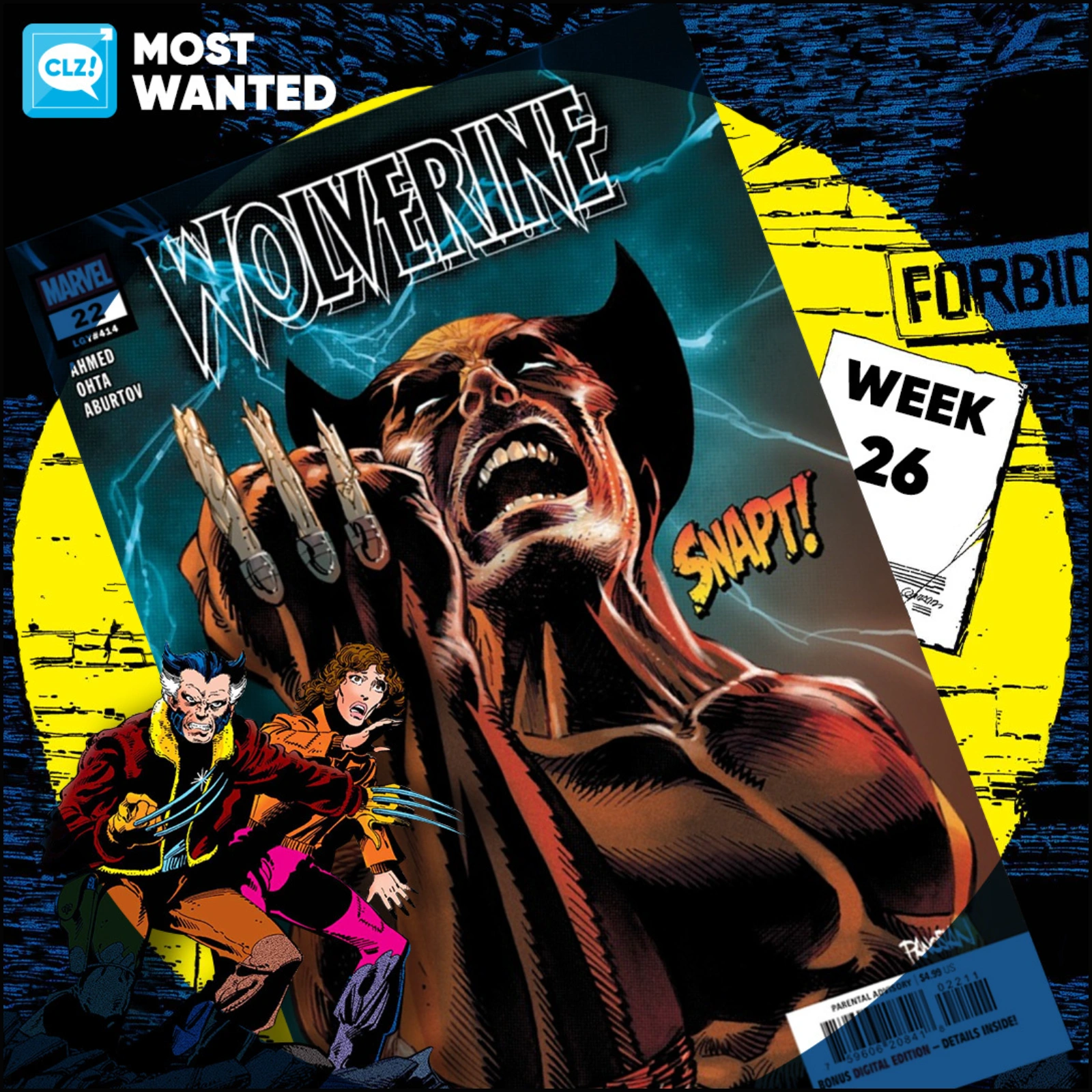
These top-10s are created by you all, the users of the CLZ app and software, as they’re based on how often these comics already appear on your wish lists in the CLZ Cloud, even before release!
 Two nice improvements for CLZ Web in one go. First, you can now add a cover thumbnail as a column in your List View. Next to that, we spent some time improving the keyboard support in the Edit screen.
On top of that, we’ve now also added the possibility to install CLZ Web “as an app” to your computer.

 Two nice improvements for CLZ Web in one go. First, you can now add a cover thumbnail as a column in your List View. Next to that, we spent some time improving the keyboard support in the Edit screen.
On top of that, we’ve now also added the possibility to install CLZ Web “as an app” to your computer.
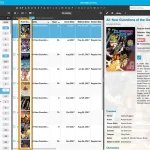 Two nice improvements for CLZ Web in one go. First, you can now add a cover thumbnail as a column in your List View. Next to that, we spent some time improving the keyboard support in the Edit screen.
On top of that, we’ve now also added the possibility to install CLZ Web “as an app” to your computer.

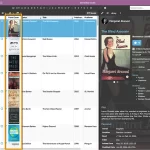 Two nice improvements for CLZ Web in one go. First, you can now add a cover thumbnail as a column in your List View. Next to that, we spent some time improving the keyboard support in the Edit screen.
On top of that, we’ve now also added the possibility to install CLZ Web “as an app” to your computer.

Two nice improvements for CLZ Web in one go. First, you can now add a cover thumbnail as a column in your List View. Next to that, we spent some time improving the keyboard support in the Edit screen.
On top of that, we’ve now also added the possibility to install CLZ Web “as an app” to your computer.
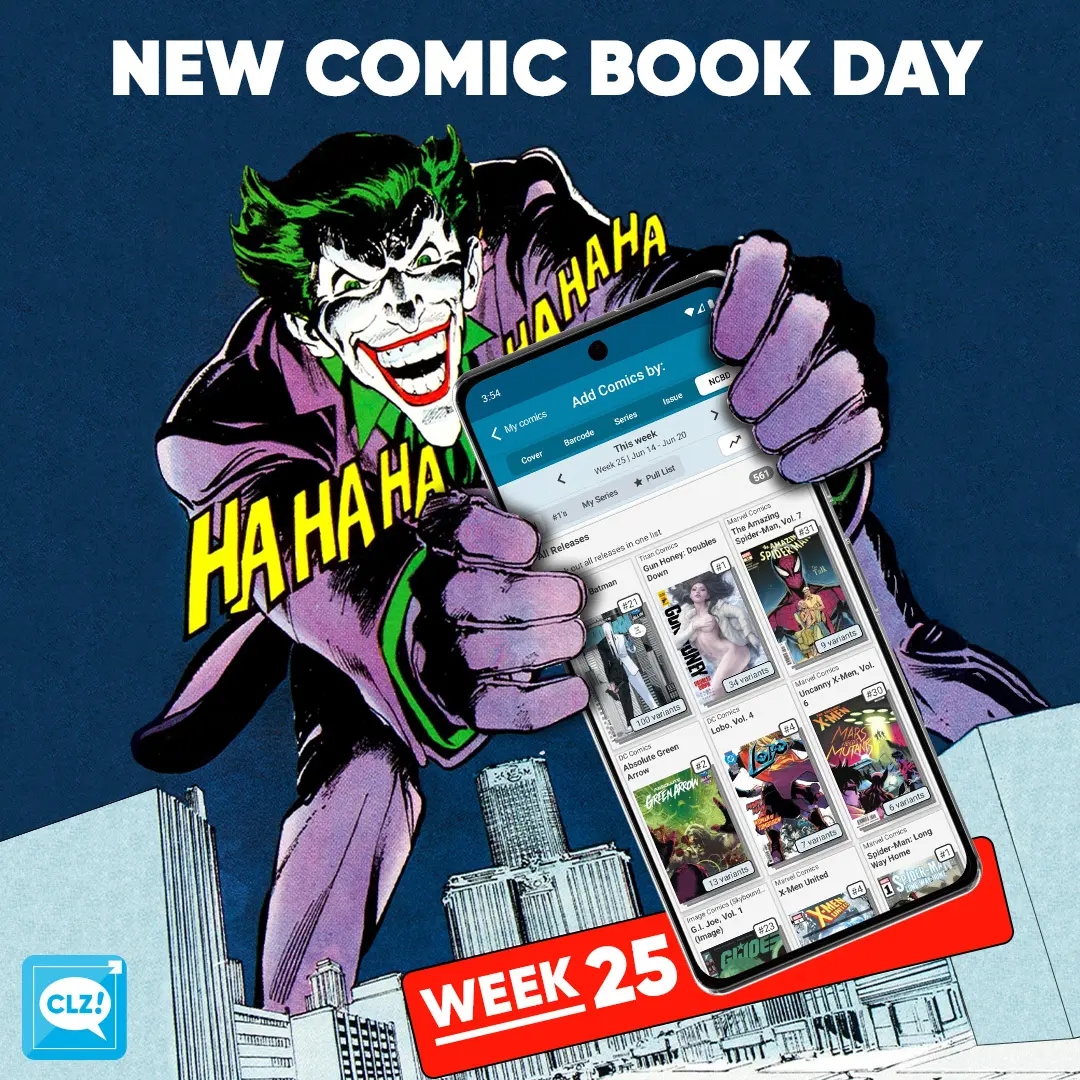
NCBD! Yes, another Absolute title that takes the crown for being the most populair comic this week. It’s Absolute Batman #21, this time with 107 variants! Amazing Spider-Man #31 should be an interesting issue too, due to what’s been going on with a certain Cormac Crane… And if that’s not all, Something is Killing the Children is back with #48. Here are a few books that were handpicked by our content managers:
My pick (CLZ Taco) this week is: Lobo 4. I’m currently buying anything Supergirl related. Hey, no need to judge me. Lobo and Supergirl on a date? This story will be told in another perspective inside of the Summer of Supergirl Special. This one should be more fun though.
My pick (CLZ Rowdy) this week is: Concrete: Stars Over Sand #1. Concrete wandering across the desert, Lost. Larry and Maureen are frantic. Will they find him in time? Found out here!
My pick (CLZ Justin) this week is: Hellboy in Love: Obsidian #1. Hellboy and Anastasia playing Indiana Jones in a tomb with monsters? Sold
All comics releasing this week can be found in the NCBD tab in your add comics screen. All new releases have been carefully cleaned up, with lots of info added! Be sure to check them out in the app. Either when you hit your comic shop or, when back home adding your stack you’ve just come home with!
Happy reading!
Read more
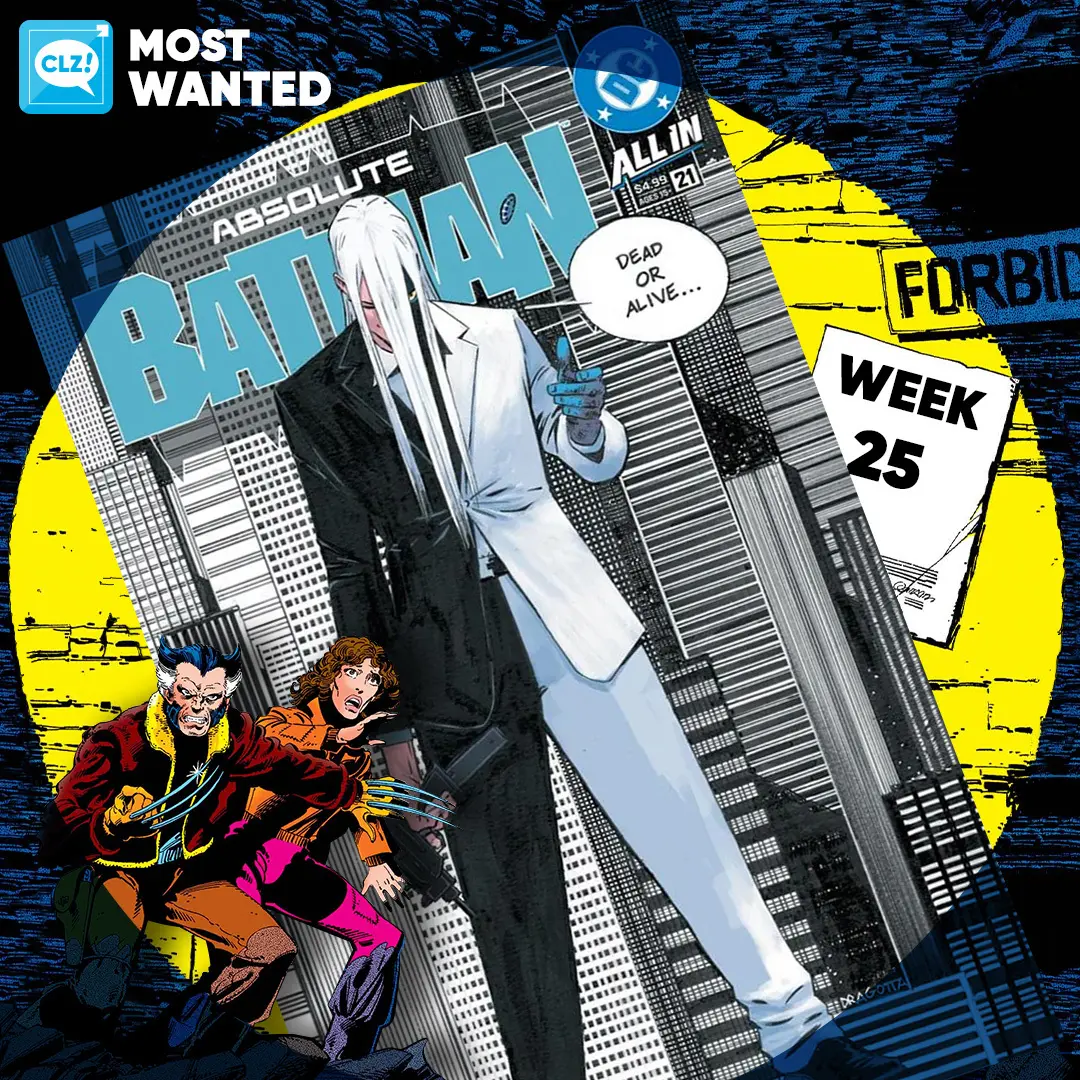
These top-10s are created by you all, the users of the CLZ app and software, as they’re based on how often these comics already appear on your wish lists in the CLZ Cloud, even before release!
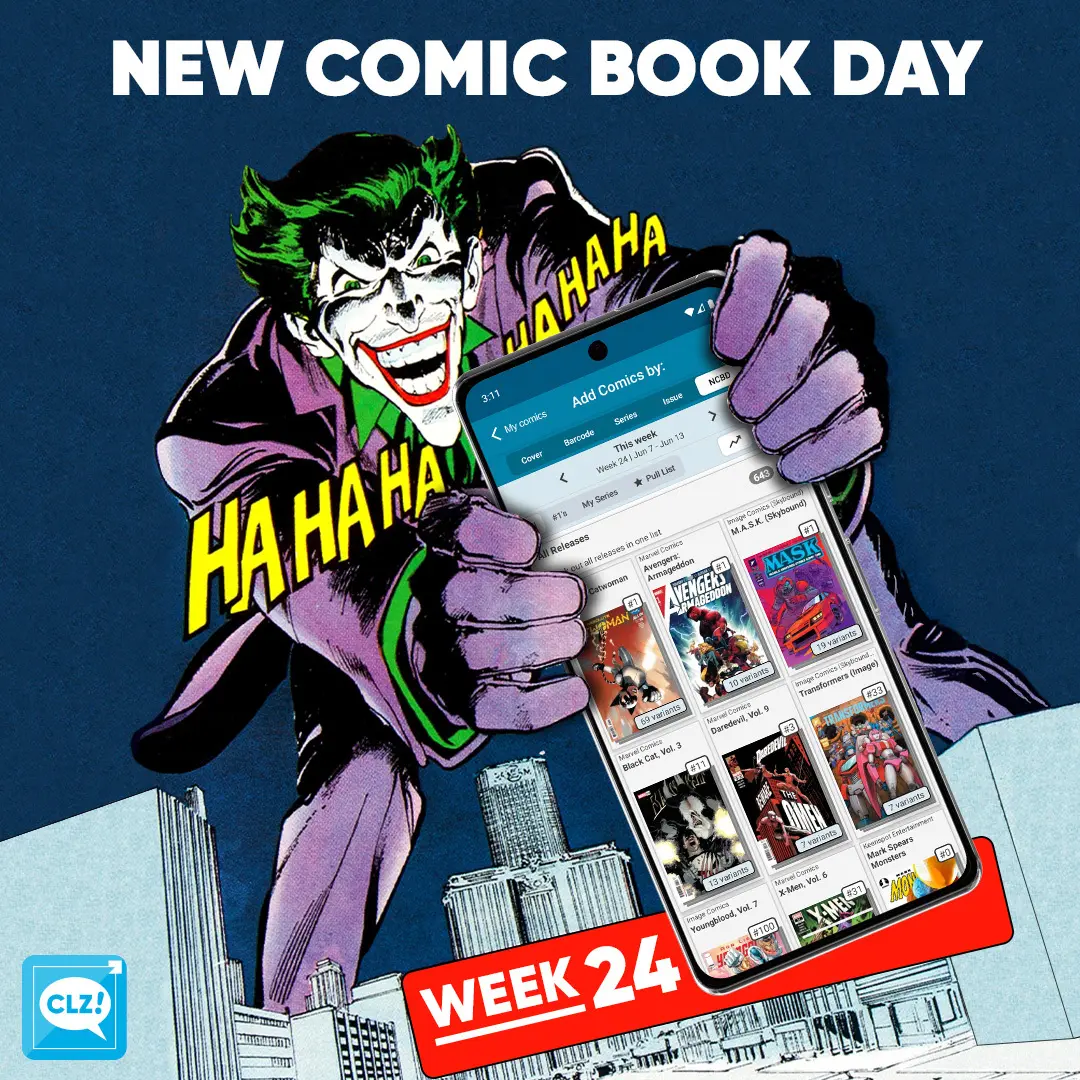
NCBD! Absolute Catwoman has arrived! With 73 variants nonetheless. Yes, our content managers are still doing okay. Image is releasing Youngblood’s anniversary issue 1000. And Marvel’s Armageddon event starting off today! Here are a few books that were handpicked by our content managers:
My pick (CLZ Taco) this week is: Supergirl 14E. The search for Supergirl! Lena Luthor searches for Supergirl before it’s too late for the bottled city of Kandor. Nothing can stop Black Flame as she continues to be a threat to the city. Love the cover by Jim Lee, this in my opinion is one of the best Supergirl movie variants.
My pick (CLZ Justin) this week is: Avengers: Armageddon #1. Red Hulk trowing a rampage across the world, Avengers, the Fantastic Four, Wolverine and more are here to stop him but who will survive?
All comics releasing this week can be found in the NCBD tab in your add comics screen. All new releases have been carefully cleaned up, with lots of info added! Be sure to check them out in the app. Either when you hit your comic shop or, when back home adding your stack you’ve just come home with!
Happy reading!
Read more
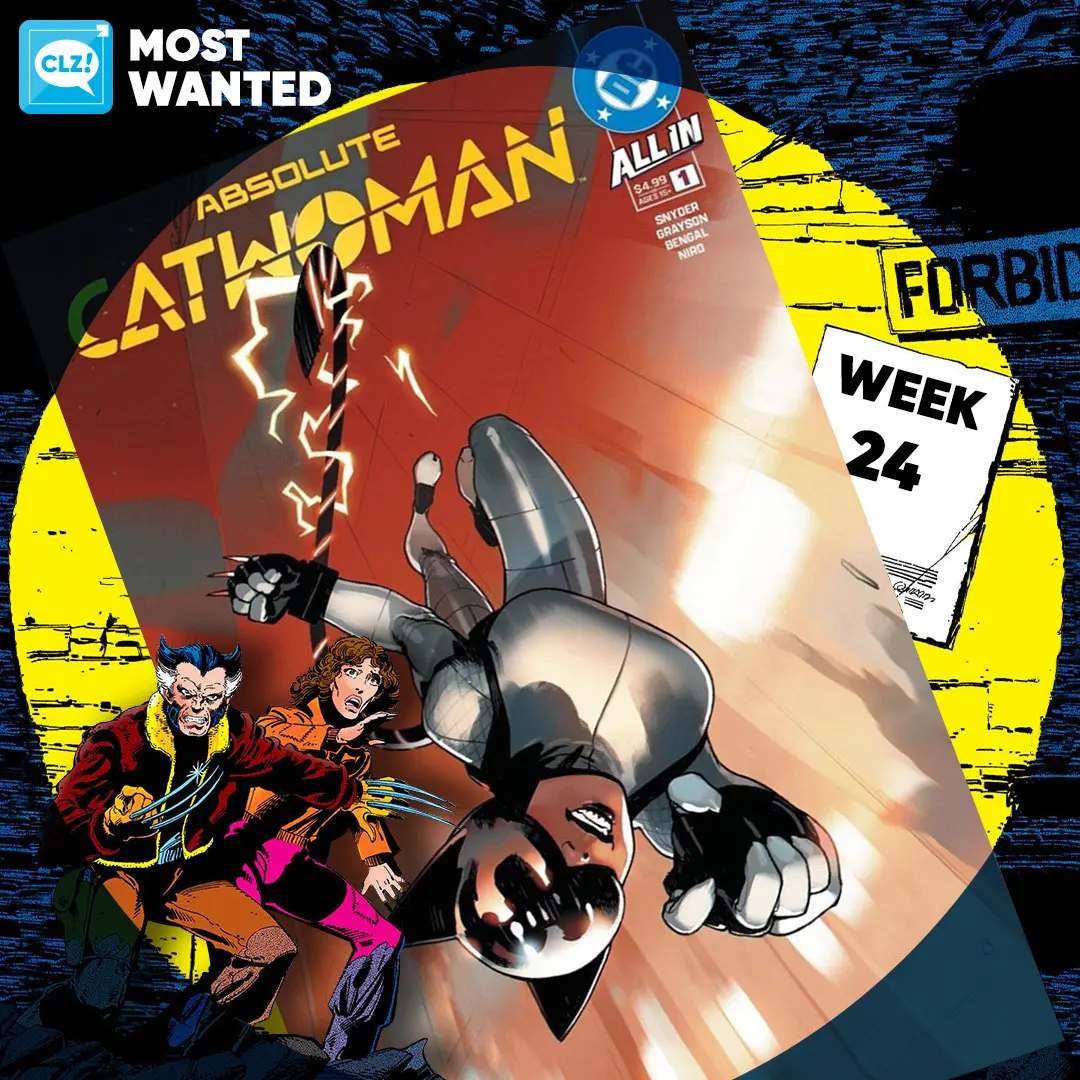
These top-10s are created by you all, the users of the CLZ app and software, as they’re based on how often these comics already appear on your wish lists in the CLZ Cloud, even before release!
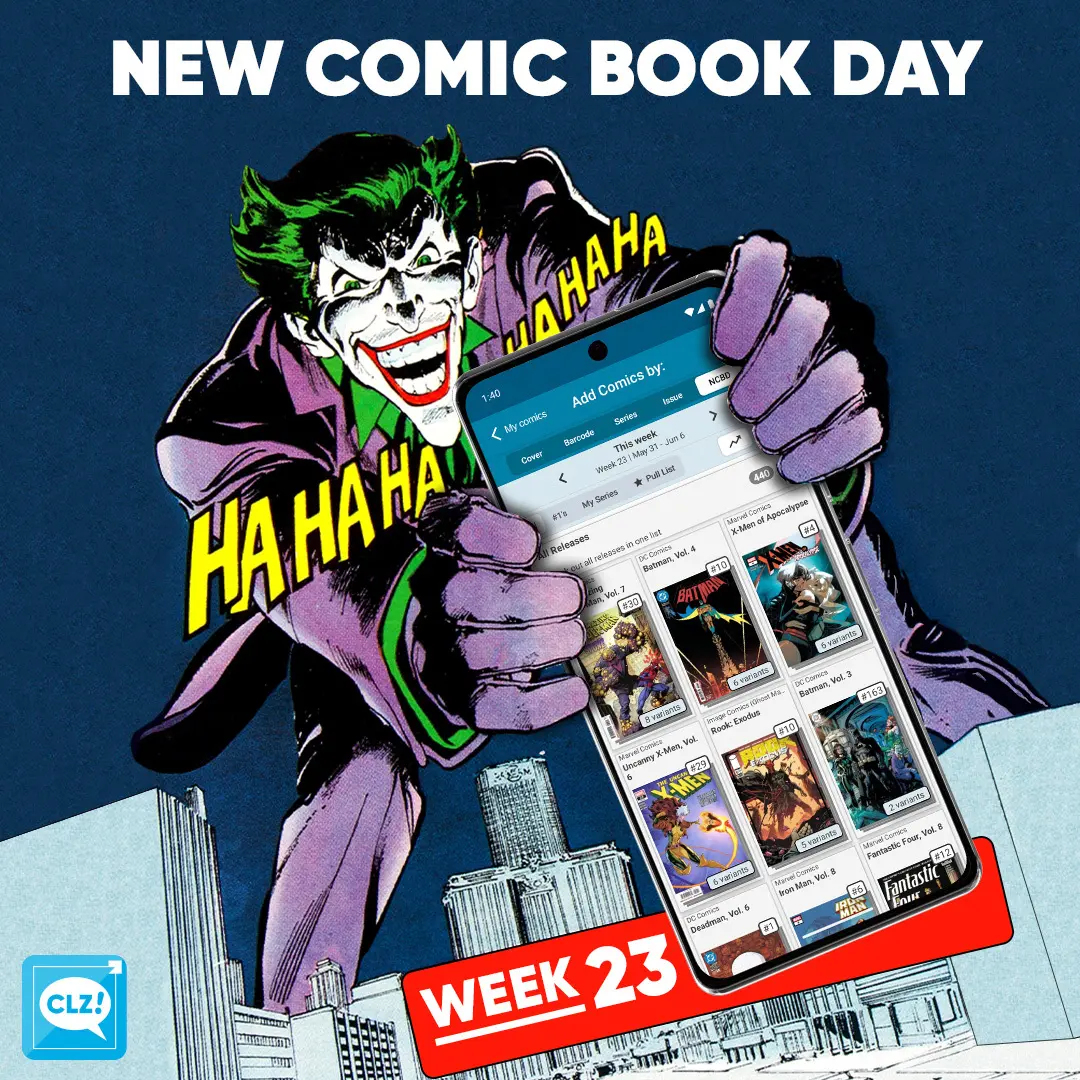
NCBD! Again, a smaller release week in terms of numbers. DC’s Batman: Bad Seeds event is picking up in Poison Ivy #45, Ghost Machine’s Rook: Exodus is set to introduce a new character and Spider-Man’s Spore storyline just landed on its feet, will it stick the landing? Here are a few books that were handpicked by our content managers:
My pick (CLZ Rowdy) this week is: Wade Wilson: Deadpool 5B. Deadpool vs Hammerhead! This weeks pick is a total cover buy for me: Gurihiru’s Marvel Soccer variant.
My pick (CLZ Justin) this week is: Deadman #1G. I’m very much looking forward to the new Deadman from W. Maxwell Prince & Martín Morazzo (Ice Cream Man). Word around the office is that this story is meant to be the definitive mythos of the Deadman character. Let’s find out!
My pick (CLZ Taco) this week is: Mighty Morphin Power Rangers #1. I know, I know, I’ve told you many times that I’m a massive MMPR fan. To feed my eternal hunger of Power Rangers content Boom Studios is here with a new #1. This time with an all-new creator roster as the last few releases haven’t been all that great. Really looking forward to this one 🙂
All comics releasing this week can be found in the NCBD tab in your add comics screen. All new releases have been carefully cleaned up, with lots of info added! Be sure to check them out in the app. Either when you hit your comic shop or, when back home adding your stack you’ve just come home with!
Happy reading!
 The end of the month is close, so it’s time to look back on May 2026, with the CLZ Newsletter.
We’re on a roll with the CLZ Web web-based editions. Two big updates for all five Web flavors this month, one focused on customizing your database entries (add more images, other than just front and back), the other is about customizing the software itself (you can now change the order of the the Edit screen tabs).
And our web developers have already started on more improvements for the CLZ Web software, some smaller tweaks this time (more info below).
On the mobile side of CLZ, it is still all about implementing the Custom Fields feature. Complex and time-consuming, both in back-end and UI-design. Pim, Bernard and AJ are making good progress, but we feel a release is still two months away.
It will all be totally worth it though, as this is THE biggest feature we every built, for Web and Mobile.
The newsletter topics today:
- CLZ Web: Add more images to your entries
- CLZ Web: Wider Edit screens, with customizable tab order
- What’s cooking?
- CLZ mobile apps: Create (and Sync!!) your own Custom Fields
- CLZ Web: print detail pages, one item per page
- CLZ Music Web: print track lists
- CLZ Web: add a cover thumbnail to you List View
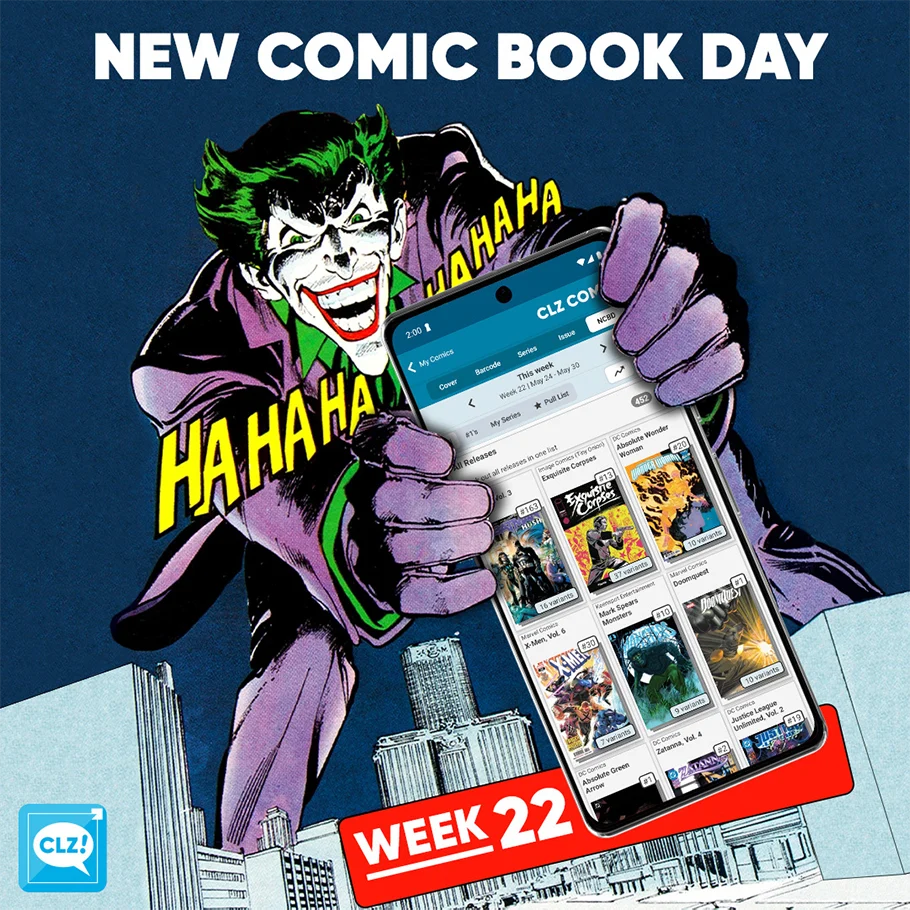
NCBD! Quite a smaller release week. A few note-able ones: The conclusion to Hush 2, A new BRZRKR title: Light Draws Breath #1 and the final issue of X-Men’s current story arc: Danger Room. Here are a few books that were handpicked by our content managers:
My pick (CLZ Rowdy) this week is: Escape #7B. Daniel Acuña returns with Milton’s daring plan. By sabotages the Titan cannon from within, but escape means facing an army, a vengeful Colonel, and impossible odds.
My pick (CLZ Justin) this week is: Doomquest #1. Reed rewriting history already sounds like an absurd plan. Well… Doom does it before Reed gets the chance. Now he finds himself in a battle he never intended, across all of time and space!
All comics releasing this week can be found in the NCBD tab in your add comics screen. All new releases have been carefully cleaned up, with lots of info added! Be sure to check them out in the app. Either when you hit your comic shop or, when back home adding your stack you’ve just come home with!
Happy reading!
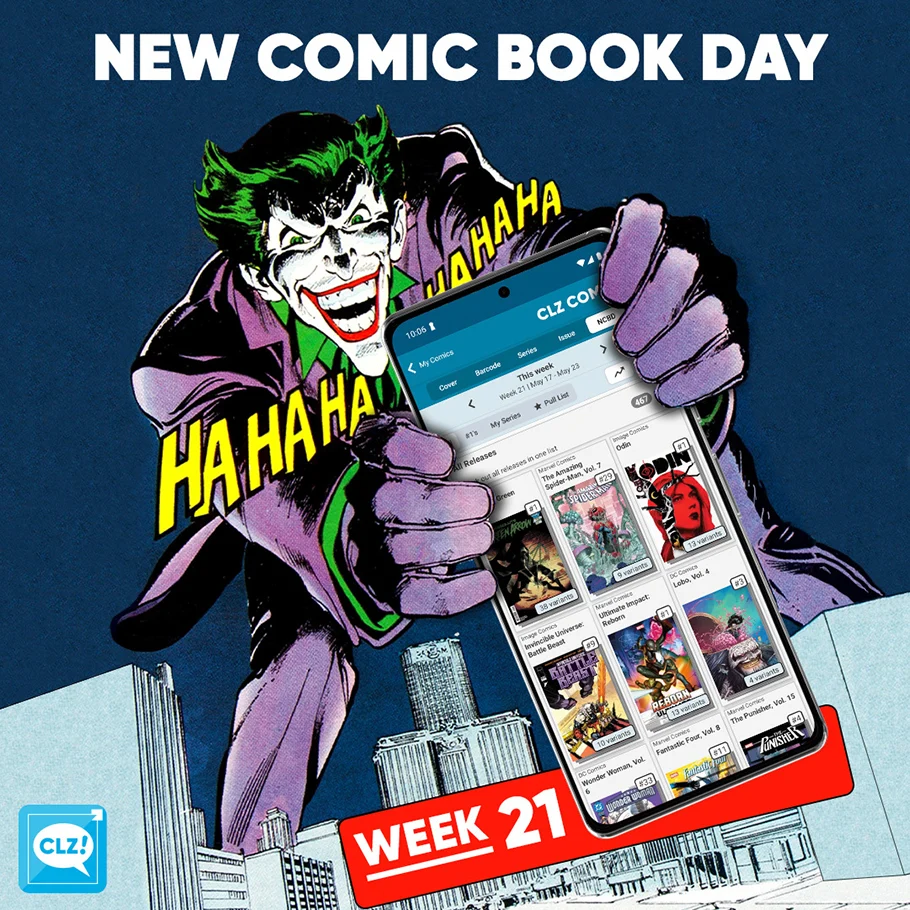
NCBD! A bit of a slower week when it comes to new releases yet this isn’t at all noticeable by the amount. Two single heavy hitters for both big publishers, being Absolute Green Arrow and Ultimate Impact: Reborn. Here are a few books that were handpicked by our content managers:
My pick (CLZ Rowdy) this week is: Odin #1B. Snowy forest horror story including Norse Mythology? Sign me up! Written by James Tynion IV & Marguerite Bennett, art by Letizia Cadonici & Jordie Bellaire.
The Ultimate Universe’s legacy lives on! My pick (CLZ Justin) this week is: Ultimate Impact: Reborn #1. Miles Morales returned with a plan: safeguard the Origin Boxes — catalysts for the creation of new super heroes — before they fall into the wrong hands! This story is set to introduce unforgettable new characters on both sides of a conflict that will shape the future of the 616!
All comics releasing this week can be found in the NCBD tab in your add comics screen. All new releases have been carefully cleaned up, with lots of info added! Be sure to check them out in the app. Either when you hit your comic shop or, when back home adding your stack you’ve just come home with!
Happy reading!
 Through the years, the Edit Album screen has evolved a lot. More and more fields were added, distributed over more and more tabs. And recently even more tabs got added for the new Custom Fields and My Images features.
So it’s time to make the amount of tabs more manageable and customizable, with two subtle changes to the Edit Album screen:
 Through the years, the Edit Game screen has evolved a lot. More and more fields were added, distributed over more and more tabs. And recently even more tabs got added for the new Custom Fields and My Images features.
So it’s time to make the amount of tabs more manageable and customizable, with two subtle changes to the Edit Game screen:
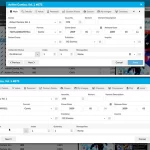 Through the years, the Edit Comic screen has evolved a lot. More and more fields were added, distributed over more and more tabs. And recently even more tabs got added for the new Custom Fields and My Images features.
So it’s time to make the amount of tabs more manageable and customizable, with two subtle changes to the Edit Comic screen:
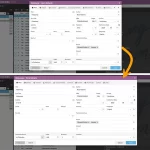 Through the years, the Edit Book screen has evolved a lot. More and more fields were added, distributed over more and more tabs. And recently even more tabs got added for the new Custom Fields and My Images features.
So it’s time to make the amount of tabs more manageable and customizable, with two subtle changes to the Edit Book screen:
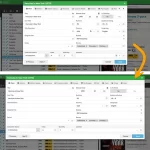 Through the years, the Edit Movie screen has evolved a lot. More and more fields were added, distributed over more and more tabs. And recently even more tabs got added for the new Custom Fields and My Images features.
So it’s time to make the amount of tabs more manageable and customizable, with two subtle changes to the Edit Movie screen:
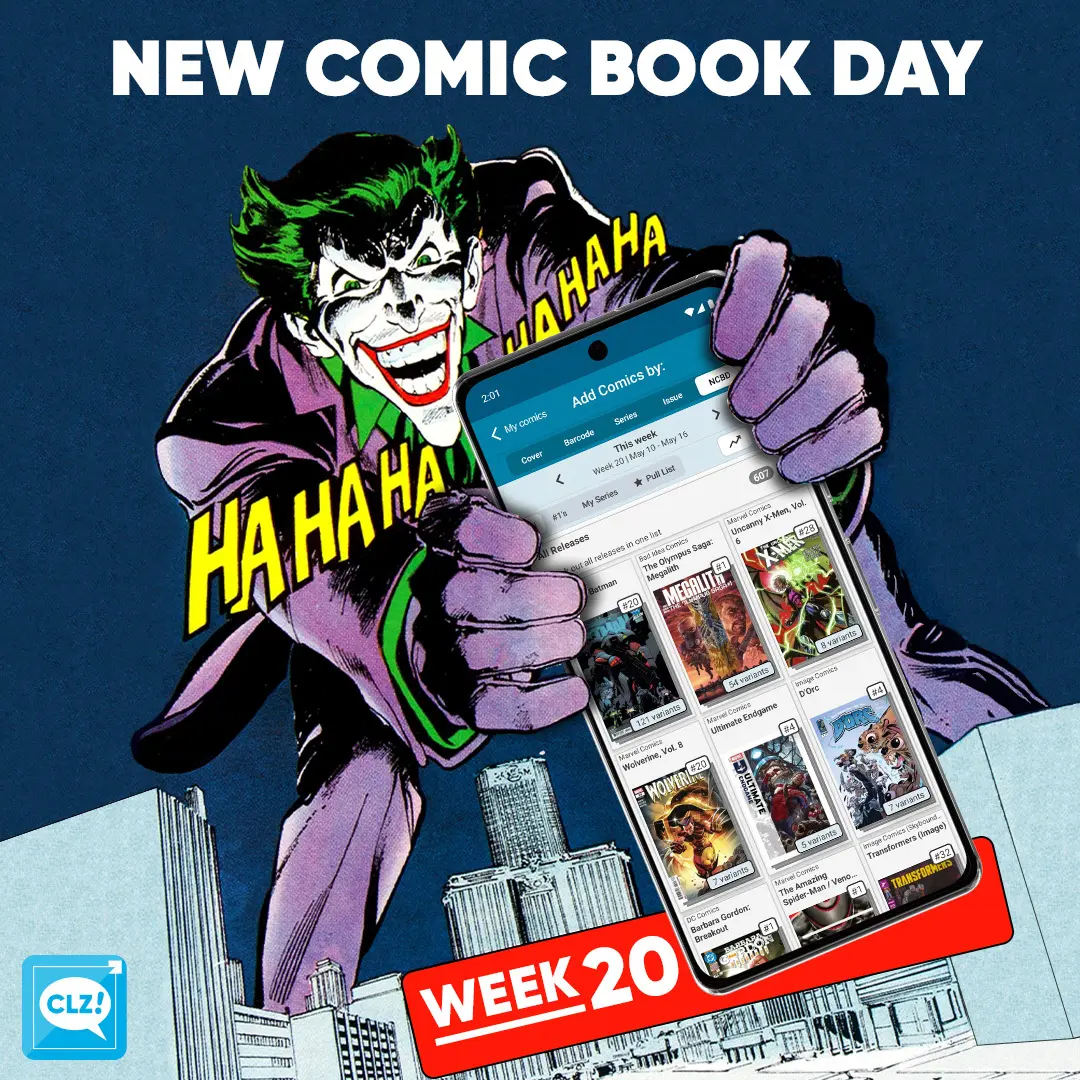
NCBD once again! It’s no surprise that the biggest comic this week is Absolute Batman #20. The introduction of the Absolute Robin’s within this universe is and was always going to be a big deal. Did this release have to come with 123 different covers (for now)? That’s up for debate. Here are a few books that were handpicked by our content managers:
A Brand New Day! Both CLZ Taco and CLZ Rowdy picked this title this week: Spectacular Spider-Man: Brand New Day #1. Spider-Man has a massive target on his back. Who’s after him? None other than the Punisher! Taco’s pick is the Patrick Gleason variant and Rowdy’s pick is Marcos Martín cover. Are you picking this title up this week?
Innards #1. Roy Wilder’s first day on the most dangerous job in the world. Working as a “diver” for the ONIS corporation, he has to gather humanity’s last energy source: Lucifium. If you’re looking for a psychological sci-fi thriller to read this week, this should be right up your alley.
All comics releasing this week can be found in the NCBD tab in your add comics screen. All new releases have been carefully cleaned up, with lots of info added! Be sure to check them out in the app. Either when you hit your comic shop or, when back home adding your stack you’ve just come home with!
Happy reading!
Read more