
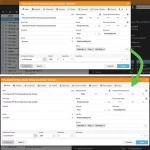
 Through the years, the Edit Album screen has evolved a lot. More and more fields were added, distributed over more and more tabs. And recently even more tabs got added for the new Custom Fields and My Images features.
So it’s time to make the amount of tabs more manageable and customizable, with two subtle changes to the Edit Album screen:
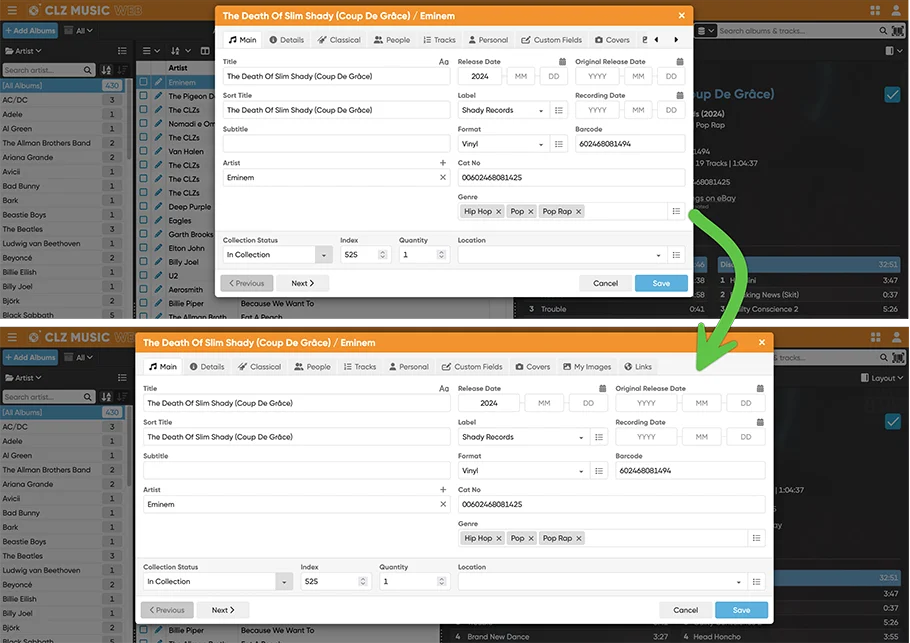
Wider Edit Album screen
First, to make more edit screen tabs visible without scrolling, the Edit screen now better adapts to wider browser windows. If your screen is wide enough, the layout will expand to show more (or even all) tabs and wider edit boxes.
Customize your tab order
It is now possible to change the order of the Edit screen tabs. You can make it start with the tabs that you use the most and move your unused tabs to the far right.
Just drag the tabs to re-order them. Of course, your chosen order is remembered automatically.
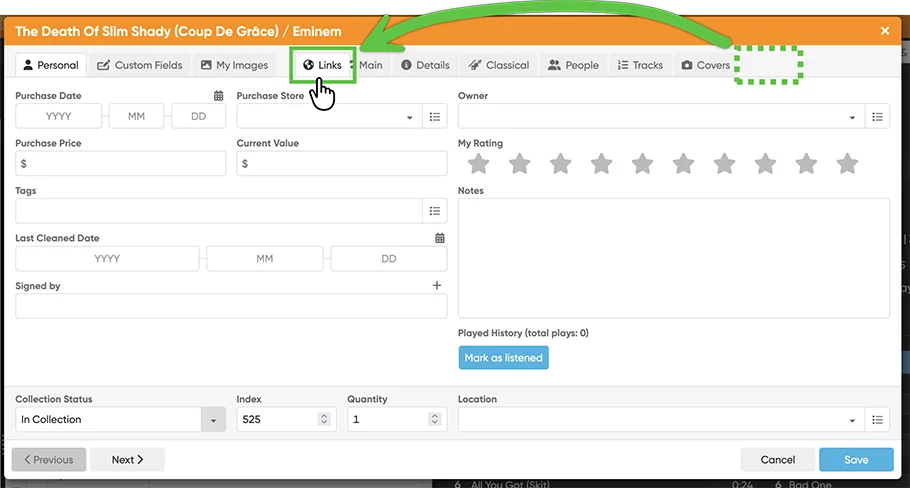
Tip: the tab located on position 1, on the left, will always be the first one you see when you open the edit screen!
See it in action: