 Another big update for your CLZ Music Web software today, which brings further ways to customize your album entries.
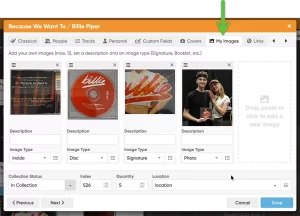
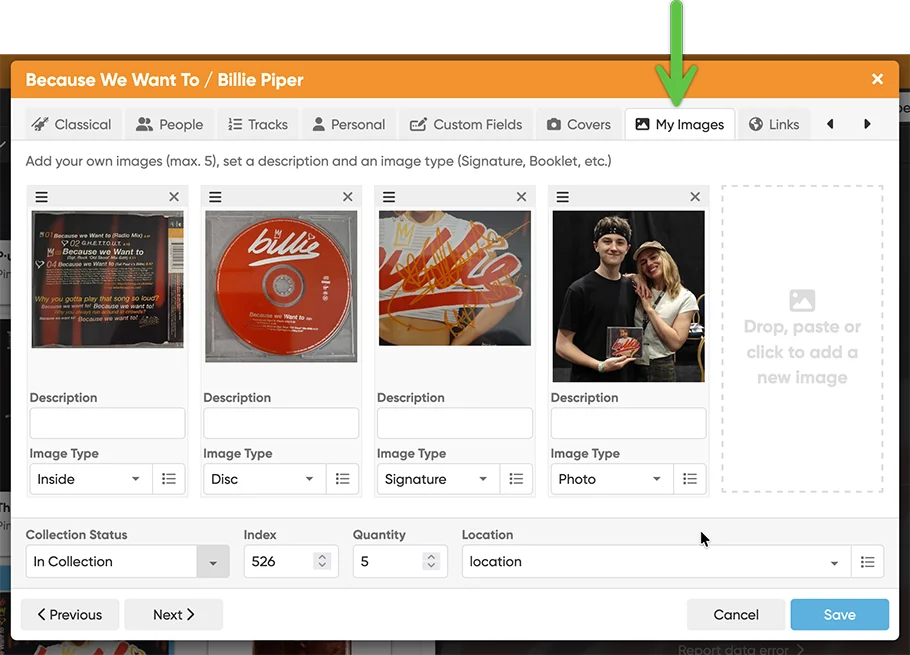
This updates adds a new My Images tab, that lets you add up to 5 extra images to each album entry! That is next to the existing customizable Front and Back cover. You can use it to store more images/photos of your collectibles, e.g. of the disc(s), the booklet, the gatefold for vinyl, the obi strip, or that signed cover, etc..
Just open an album in the Edit screen and switch to the new “My Images” tab.
You can add a maximum of 5 extra images per album. Either:
- Drop an image file from your computer
- Paste an image from your clipboard
- Or click the empty slot to pick an image file from your computer
For each image, you have 2 fields:
- Description (for example:Gatefold inside, Signed back, etc.)
- Image Type (for example: Booklet, Gatefold, Obi strip, Autograph, etc.)
Drag and drop the image cards to re-order them. You can also crop and rotate the images.
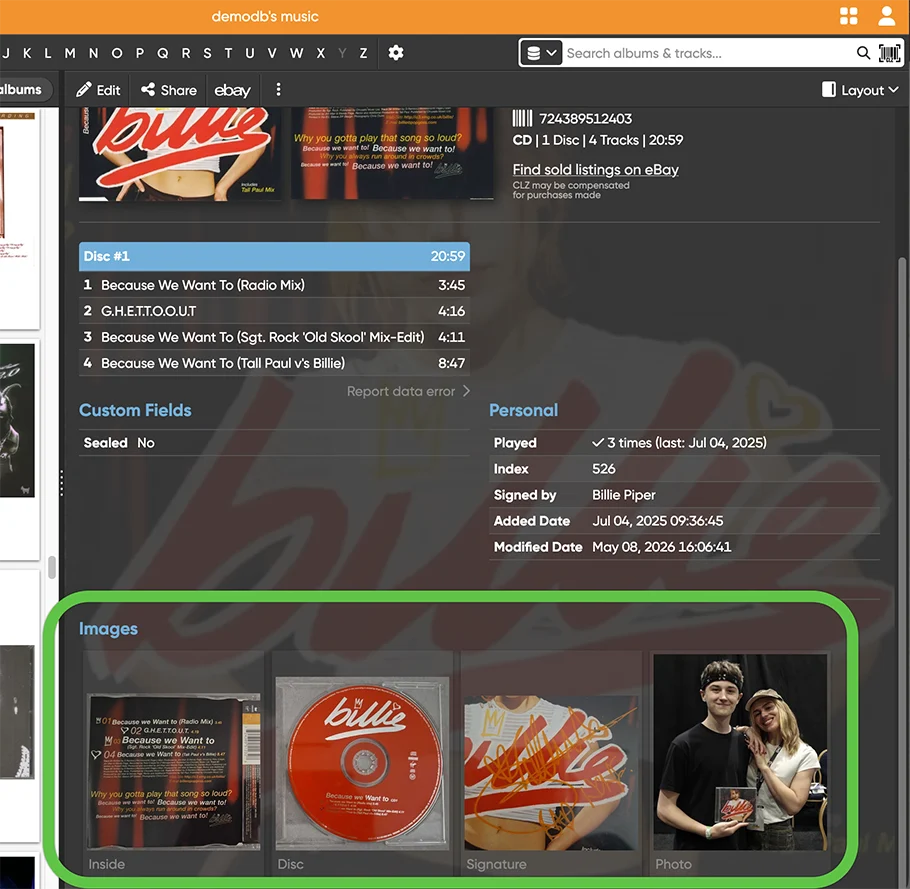
View your extra album images in the Details panel
Your extra album images will appear in the Details panel at the bottom. Click any image to see a larger version, then use the left and right arrow keys on your keyboard to flip through all images for that album.