News & updates released in 2026

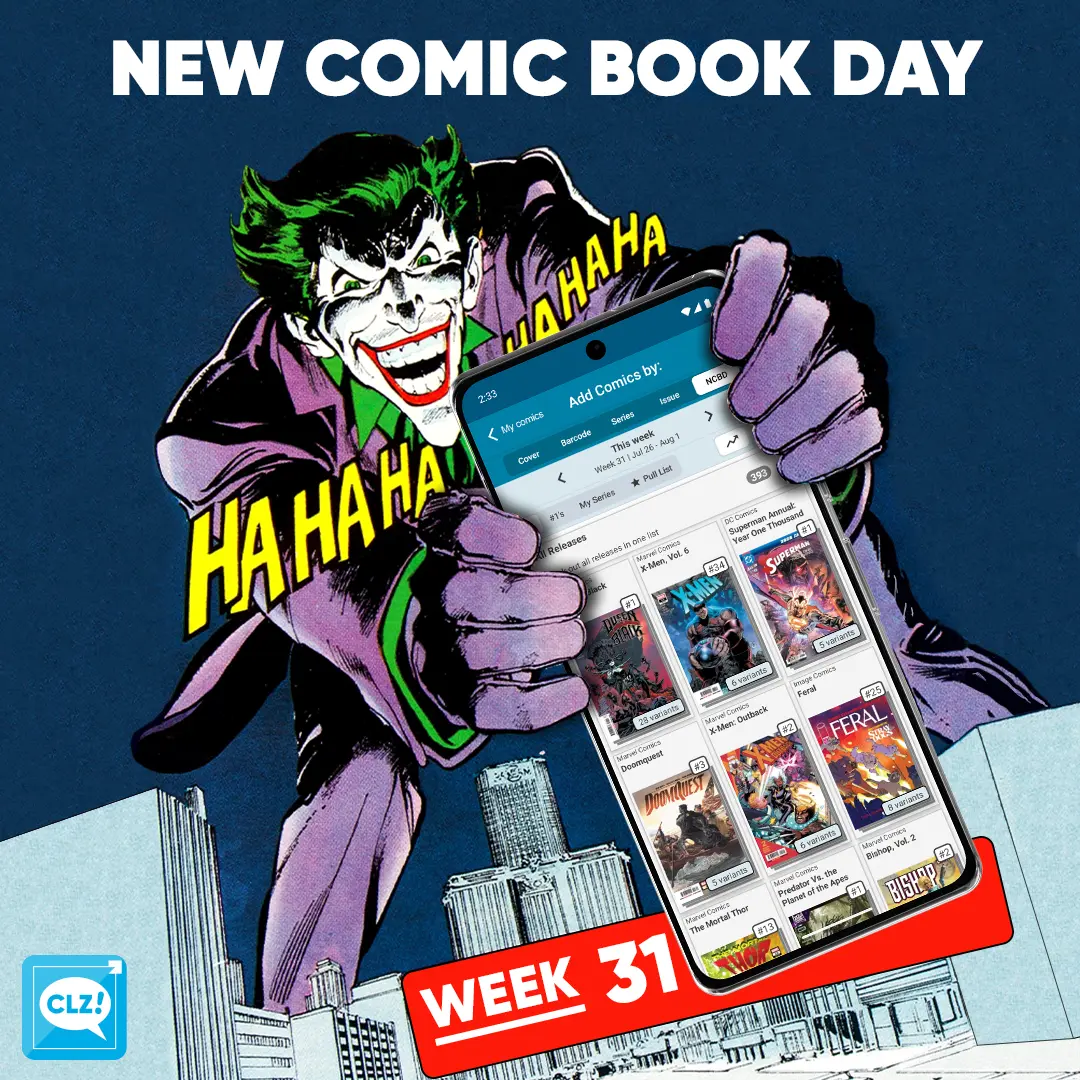
We’re slowly recovering from the SDCC craze! Luckily, we have a somewhat quieter week ahead, with around 395 new variants releasing. After last week’s record-breaking numbers, the content team can finally catch its breath.
Let’s take a look at some of the releases hitting shelves this week. First up is Queen in Black #1, written by Al Ewing with artwork by Iban Coello. This new Marvel event throws Hela and Knull into a cosmic clash, with Earth and its heroes caught right in the middle. We are already on the lookout for those blind bag variants!
Our second highlight is X-Men, Vol. 6 #34, written by Jed MacKay. This issue puts Cain Marko (Juggernaut) front and center. After a lifetime spent as a bully, criminal, and supervillain, Cain is now an X-Man. But can the Juggernaut stay a hero?
Last, we take a look at Alice Forever After #5, the final issue of Dan Panosian’s dark reimagining of Alice in Wonderland. This tale is finally coming to it’s ends, and we can’t wait to see how it happens!
All comics releasing this week can be found in the NCBD tab on your Add Comics screen. Every new release has been carefully cleaned up, with lots of extra information added, so be sure to check them out in the app—whether you’re at your local comic shop or back home adding the stack you just picked up!
Happy reading!
Read more
 This is it, the big v11.0 update for your CLZ Comics app. About a week later than planned, because our friends at Apple sure took their time reviewing our update 🙂 Oh well, it’s here now!
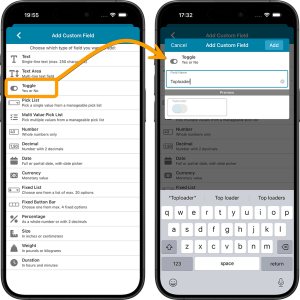
Version 11 is a huge step forward in the customizability of the app. And I am not talking about tweaking the look and feel here, like layout, colors, fonts, etc… No… this time we are giving you the ability to actually customize the database itself, with your own “Custom Fields“!
The Custom Fields feature will let you create your own data fields, to catalog any information for which the app does not have a built-in field. You can create text fields, number fields, date fields, Yes/No toggles, pick list fields and much more.
All fields you create can be edited on a special Custom Fields tab of the Edit Comic screen. The entered data will nicely appear in a special section on the comic details page. And of course, you will be able to use the fields like any built-in fields, that is, sort on them, use pick list, date and toggle fields as folders, search your text fields, etc..
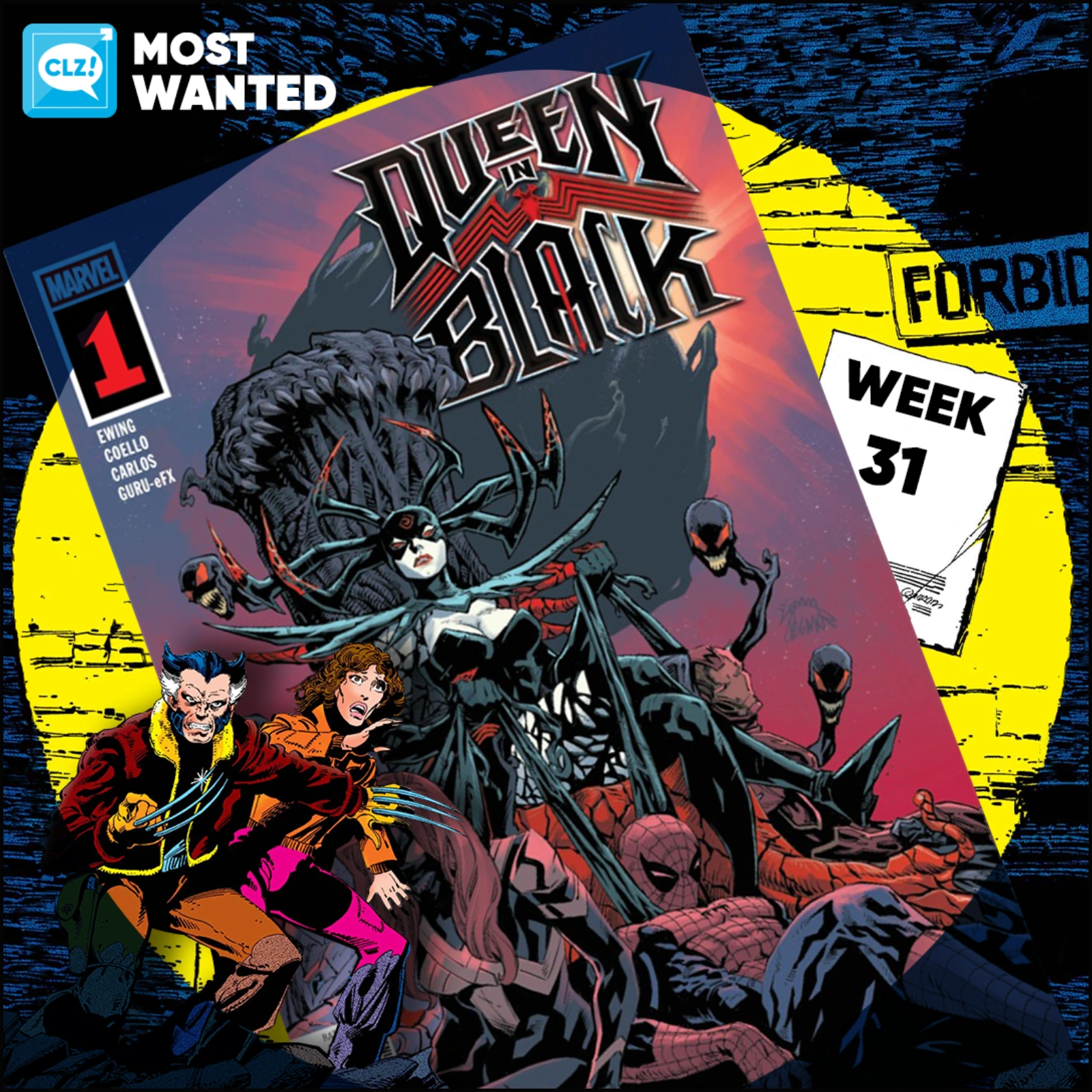
These top-10s are created by you all, the users of the CLZ app and software, as they’re based on how often these comics already appear on your wish lists in the CLZ Cloud, even before release!
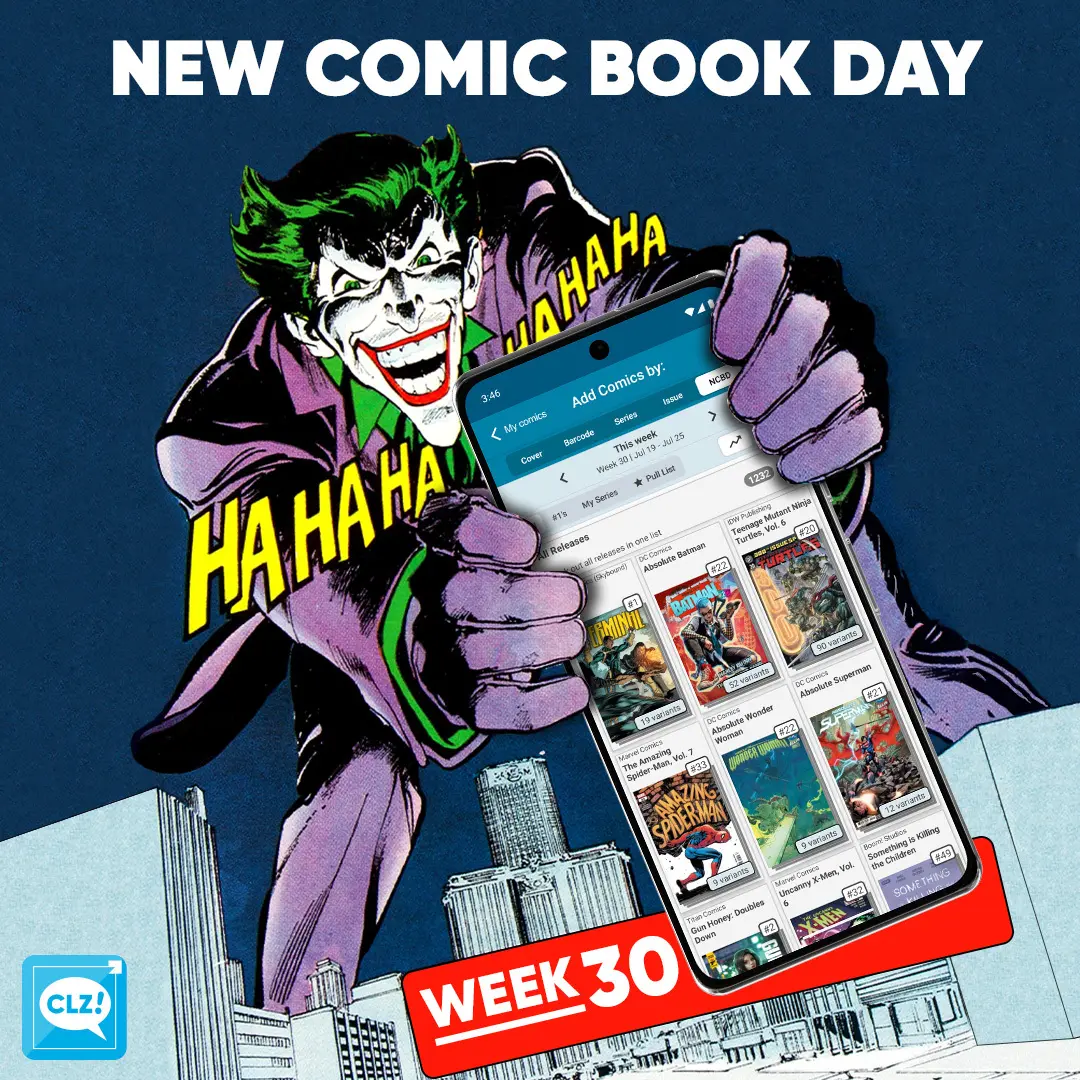
Our biggest NCBD yet! This week sees the release of 1,235 new comics. It’s been a busy week over here for the content team!
This crazy number, of course, has everything to do with San Diego Comic-Con, which starts tomorrow. We are now up to 664 SDCC exclusives, and that number is still climbing. On top of that, there are 99 regular store exclusive variants releasing, bringing our total exclusive count to 763 exclusives.
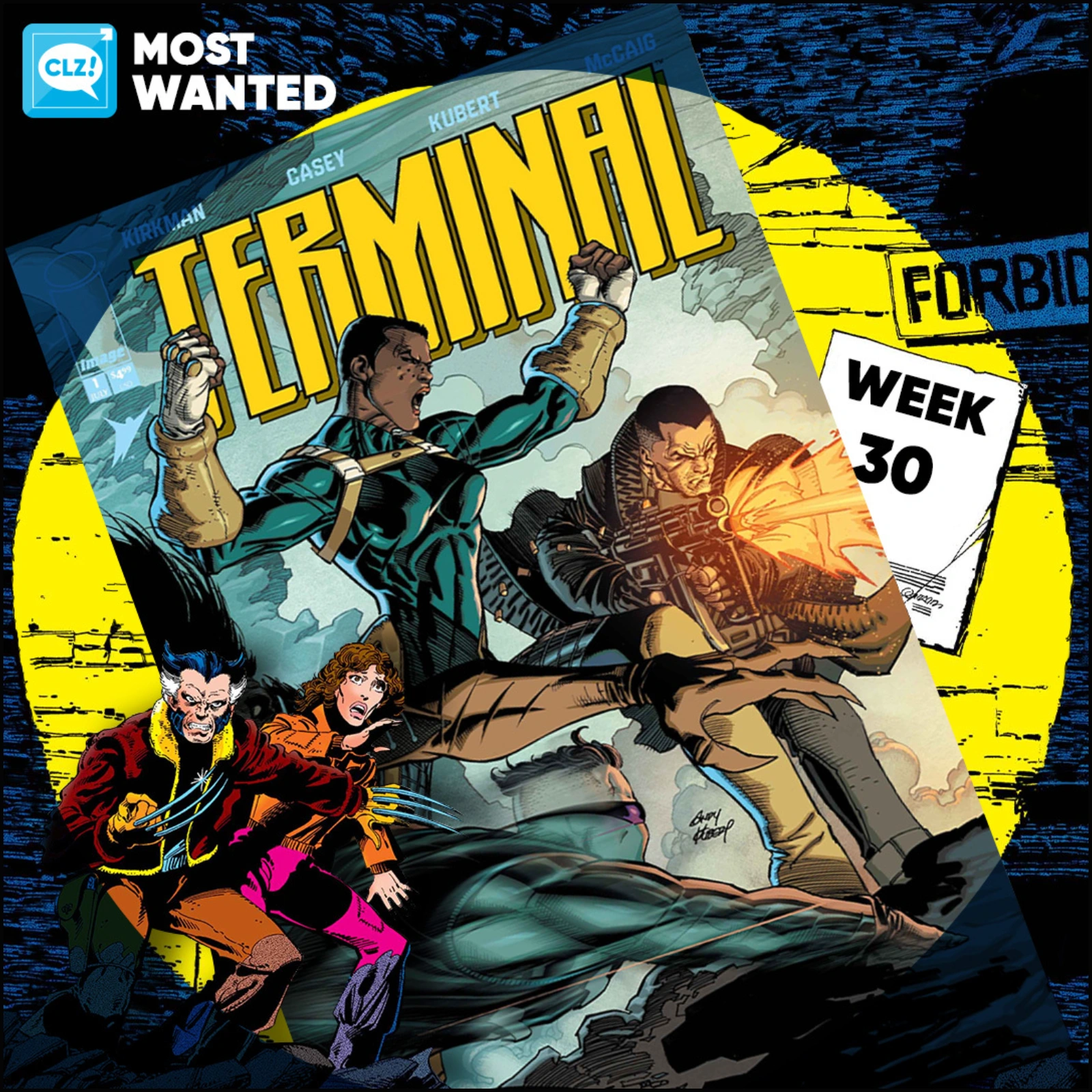
Let’s not forget the regular releases hitting shelves this week. Out today is Gambit: Wanted #1, written by Chris Claremont, so you won’t want to miss it! Also releasing this week is Terminal #1, which looks to be Image Comics’ take on the X-Men. We can’t wait to see what it’s all about.
Last, we take a look at Teenage Mutant Ninja Turtles #20, which also marks the series’ legacy numbering issue #300! We had our hands full with this one, as there are 90 different variants releasing for this milestone issue.
All comics releasing this week can be found in the NCBD tab on your Add Comics screen. Every new release has been carefully cleaned up, with lots of extra information added, so be sure to check them out in the app—whether you’re at your local comic shop or back home adding the stack you just picked up!
And for those of us attending SDCC, good luck hunting for those special grails! If you find any exclusives that aren’t in Core yet, be sure to report them on Club CLZ.
Happy reading!
Read more

Our team has worked hard to add as many SDCC 2026 exclusives to Core as possible, making it easy to catalog your convention finds. There are already 630 listed, and we’re still adding more!
Don’t forget to check out the CovrPrice website, where you’ll find a complete list of all SDCC exclusives, including where to find them.
Missing any exclusives? Report them on Club CLZ.

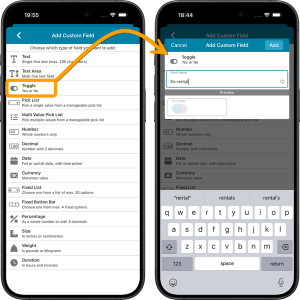 This is it, the big v11.0 update for your CLZ Movies app. Version 11 is a huge step forward in the customizability of the app. And I am not talking about tweaking the look and feel here, like layout, colors, fonts, etc… No… this time we are giving you the ability to actually customize the database itself, with your own “Custom Fields“!
The Custom Fields feature will let you create your own data fields, to catalog any information for which the app does not have a built-in field. You can create text fields, number fields, date fields, Yes/No toggles, pick list fields and much more.
All fields you create can be edited on a special Custom Fields tab of the Edit Movie screen. The entered data will nicely appear in a special section on the movie details page. And of course, you will be able to use the fields like any built-in fields, that is, sort on them, use pick list, date and toggle fields as folders, search your text fields, etc..

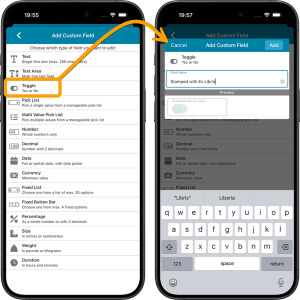 This is it, the big v11.0 update for your CLZ Books app. Version 11 is a huge step forward in the customizability of the app. And I am not talking about tweaking the look and feel here, like layout, colors, fonts, etc… No… this time we are giving you the ability to actually customize the database itself, with your own “Custom Fields“!
The Custom Fields feature will let you create your own data fields, to catalog any information for which the app does not have a built-in field. You can create text fields, number fields, date fields, Yes/No toggles, pick list fields and much more.
All fields you create can be edited on a special Custom Fields tab of the Edit Book screen. The entered data will nicely appear in a special section on the book details page. And of course, you will be able to use the fields like any built-in fields, that is, sort on them, use pick list, date and toggle fields as folders, search your text fields, etc..

Fixed:
- Custom Field Syncing: Resolved an issue where syncing “pick list” or “button group” custom fields could fail due to an incorrect data format.
- Improved Stability: Fixed a bug where special characters (like & or “) in your data could lead to sync errors.

Fixed:
- Custom Field Syncing: Resolved an issue where syncing “pick list” or “button group” custom fields could fail due to an incorrect data format.
- Improved Stability: Fixed a bug where special characters (like & or “) in your data could lead to sync errors.
Fixed:
- Single value custom fields were not synced to the cloud
- Crash in main screen when certain special characters were used as Custom Fields title
- Invalid XML error messages when certain special characters were used in Custom fields
Fixed:
- Single value custom fields were not synced to the cloud
- Crash in main screen when certain special characters were used as Custom Fields title
- Invalid XML error messages when certain special characters were used in Custom fields
These top-10s are created by you all, the users of the CLZ app and software, as they’re based on how often these comics already appear on your wish lists in the CLZ Cloud, even before release!
Fixed:
- When using a Custom Field with a decimal, the number keyboard in the edit screen didn’t work correctly for the decimal point
Fixed:
- When using a Custom Field with a decimal, the number keyboard in the edit screen didn’t work correctly for the decimal point
- After editing a game the app would jump back to the main list (only if auto-sync was switched on)
- After editing an album, the app would jump back to the main list (only if auto-sync was switched on)
- A crash could occur in Manage Pick Lists screen
- Custom Fields that contained data with quotes didn’t work correctly
Fixed
- Using “Clear Cloud” didn’t correctly clear internal Custom Field data
- Custom Fields that contain multiple values per field weren’t synced correctly
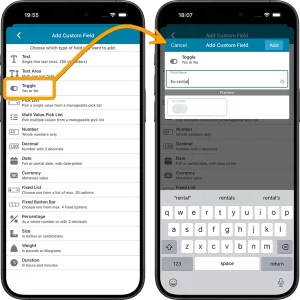
This is it, the big v11.0 update for your CLZ Games app. Version 11 is a huge step forward in the customizability of the app. And I am not talking about tweaking the look and feel here, like layout, colors, fonts, etc… No… this time we are giving you the ability to actually customize the database itself, with your own “Custom Fields“!
The Custom Fields feature will let you create your own data fields, to catalog any information for which the app does not have a built-in field. You can create text fields, number fields, date fields, Yes/No toggles, pick list fields and much more.
All fields you create can be edited on a special Custom Fields tab of the Edit Game screen. The entered data will nicely appear in a special section on the game details page. The Custom Fields are available for your games, hardware and toys. And of course, you will be able to use the fields like any built-in fields, that is, sort on them, use pick list, date and toggle fields as folders, search your text fields, etc..
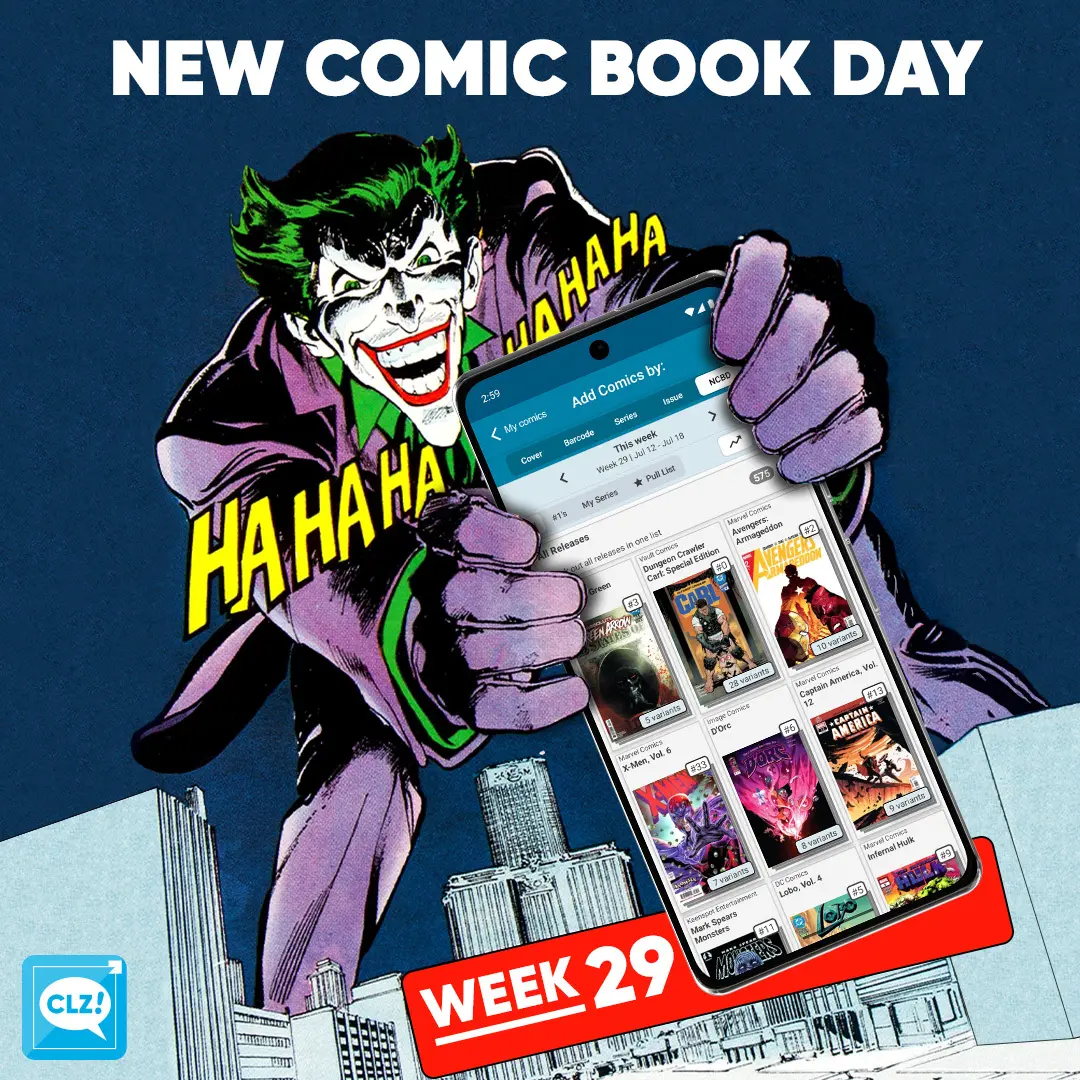
NCBD! Tons of great books out this week. New storylines for long running titles. We are gearing up for SDCC with lots of exclusives to be added to Core. Here are a few books that were handpicked by our content managers:
CLZ Taco’s pick this week: Superman Unlimited #15B. As war brews in El Caldero, something strange is happening to the Kryptonite spread across the planet… and this mystery can only be solved with help from a certain Dark Detective. But can Batman crack the case before Jon Kent and Damian Wayne turn the Batcave into a war zone?!
CLZ Justin’s pick this week: Foundations #1. When astronaut and explorer Tajo Vallar undertakes a doomed expedition to a dormant moon full of mysteries, the conflict begins anew, and more dangerous than ever before!
All comics releasing this week can be found in the NCBD tab in your add comics screen. All new releases have been carefully cleaned up, with lots of info added! Be sure to check them out in the app. Either when you hit your comic shop or, when back home adding your stack you’ve just come home with!
Happy reading!
Read more
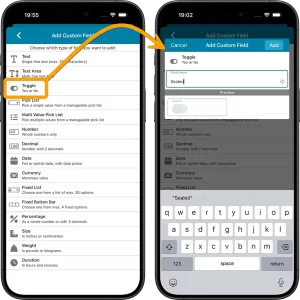 This is it, the big v11.0 update for your CLZ Music app. Version 11 is a huge step forward in the customizability of the app. And I am not talking about tweaking the look and feel here, like layout, colors, fonts, etc… No… this time we are giving you the ability to actually customize the database itself, with your own “Custom Fields“!
The Custom Fields feature will let you create your own data fields, to catalog any information for which the app does not have a built-in field. You can create text fields, number fields, date fields, Yes/No toggles, pick list fields and much more.
All fields you create can be edited on a special Custom Fields tab of the Edit Album screen. The entered data will nicely appear in a special section on the album details page. And of course, you will be able to use the fields like any built-in fields, that is, sort on them, use pick list, date and toggle fields as folders, search your text fields, etc..
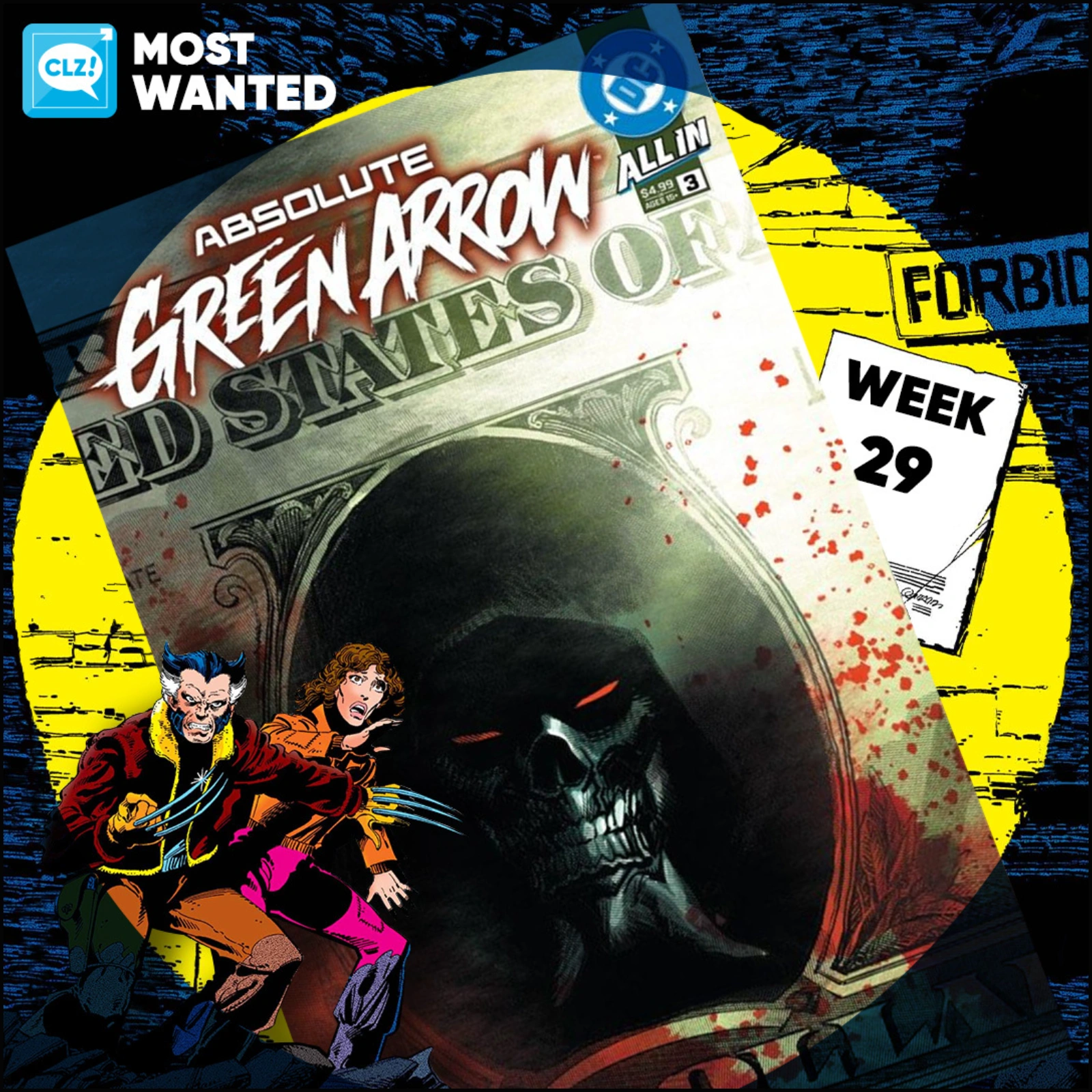
These top-10s are created by you all, the users of the CLZ app and software, as they’re based on how often these comics already appear on your wish lists in the CLZ Cloud, even before release!
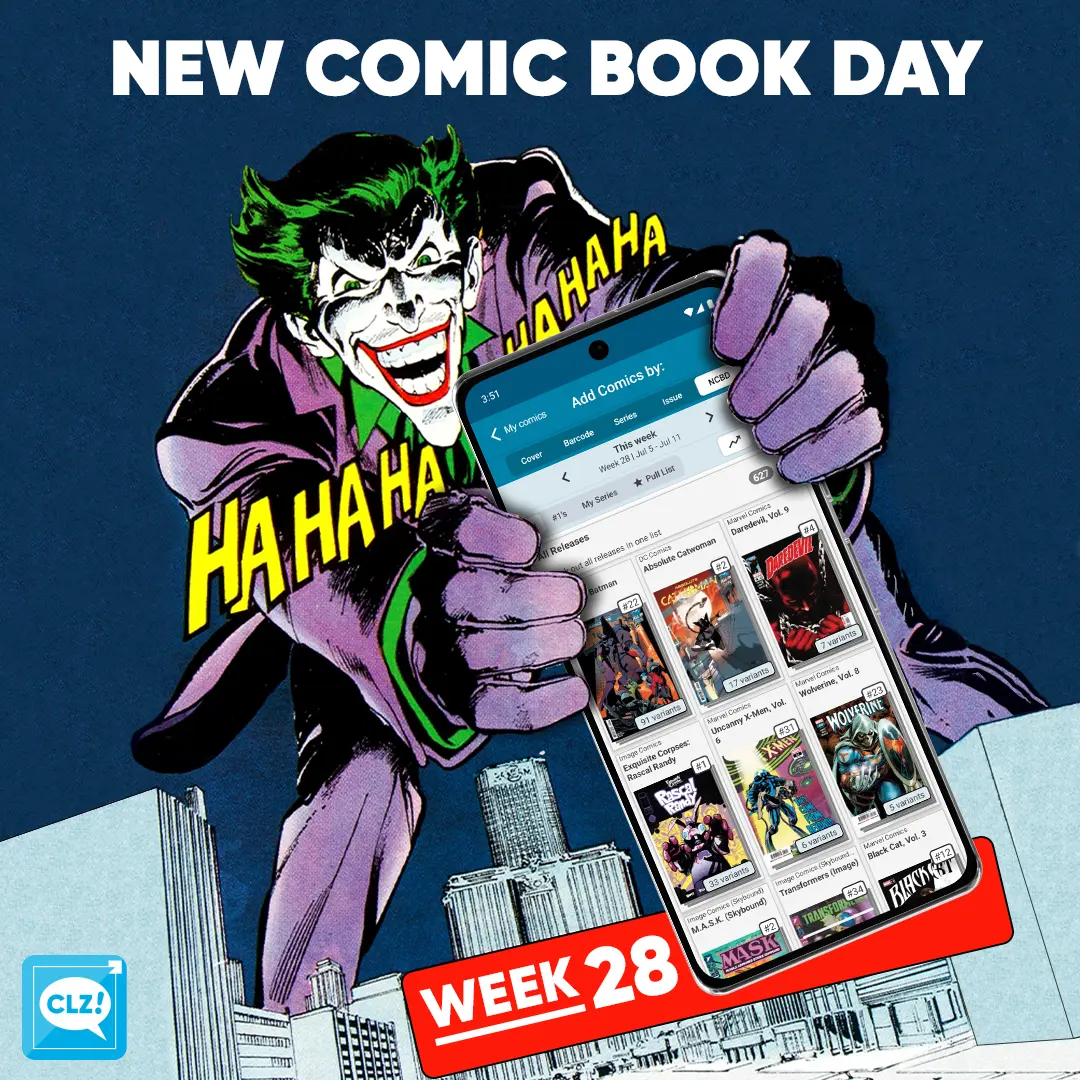
NCBD! Another Wednesday, another stack of new comics to enjoy. There are a lot of great books releasing this week, so here are a few that were handpicked by our content managers:
CLZ Rowdy’s pick this week: The Amazing Spider-Man, Vol. 1 #129M Facsimile. As a huge Punisher fan, Rowdy couldn’t pass up this iconic reprint. Featuring the Punisher’s legendary first appearance, it’s a comic that never gets old.
CLZ Justin’s pick this week: X-Men ’97, Vol. 2 #2. With the new season of X-Men ’97 now out, it’s the perfect time to jump into the comic series as well. If you’ve been watching the show, this is an easy one to add to your pull list.
CLZ Taco’s pick this week: Absolute Batman #22. This issue finally gives us the origin of Absolute Harley Quinn. The Absolute Universe keeps putting fresh spins on familiar characters, making this one of Taco’s most anticipated books of the week.
All comics releasing this week can be found in the NCBD tab in your add comics screen. All new releases have been carefully cleaned up, with lots of info added! Be sure to check them out in the app. Either when you hit your comic shop or, when back home adding your stack you’ve just come home with!
Happy reading!
Read more
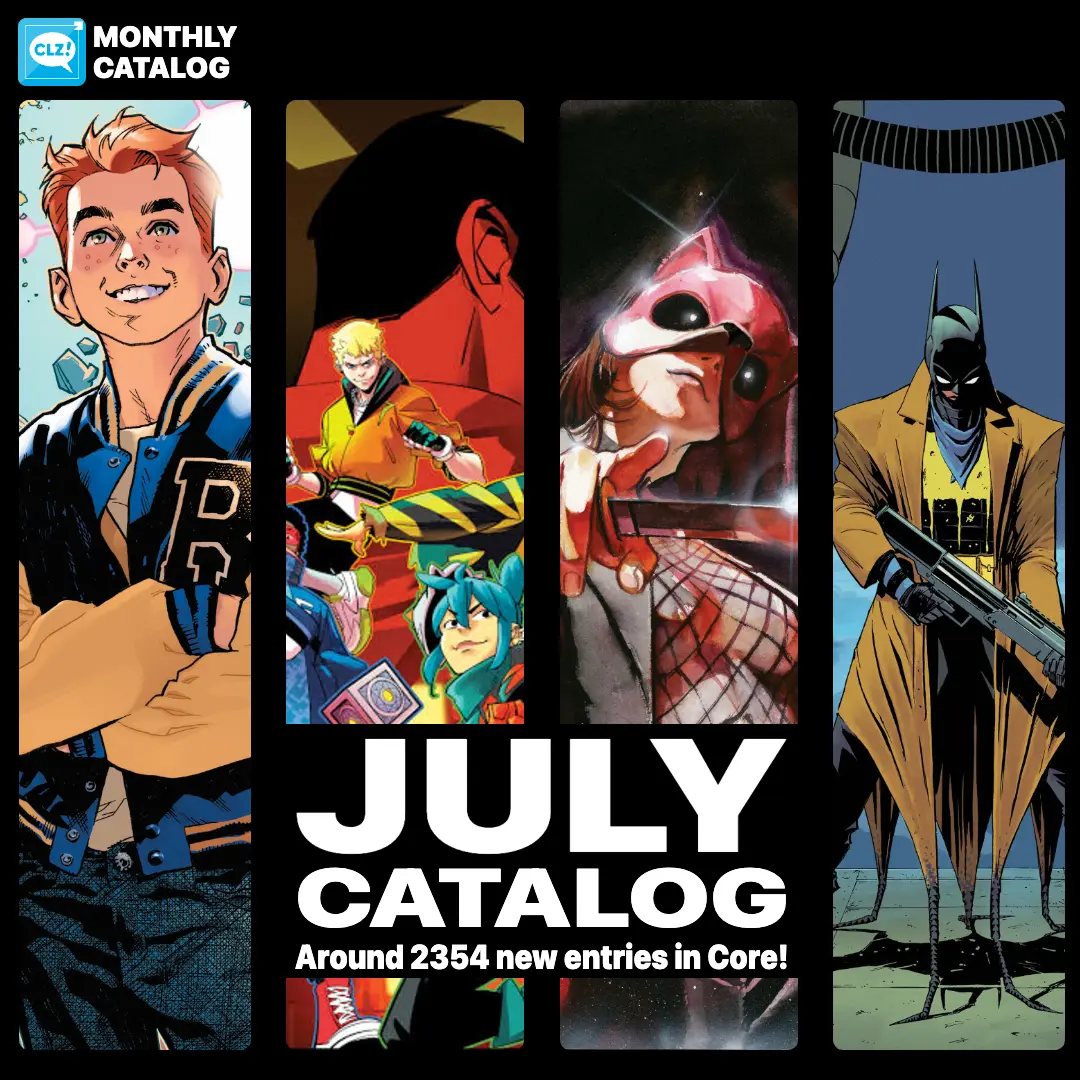
Our content managers have worked hard to get all the new titles from the July catalogs into Core.
Some new titles include:
- Archie, Vol. 1 (Oni Press) #1
- Teen Titans, Vol. 7 #1
- Exquisite Corpses: Fox Mask Killer #1
- Absolute Batman #24
- …and much more!
In total, we counted around 2354 new entries for this month!
They are now all available to add to your “On Order” list in the CLZ Comics app.
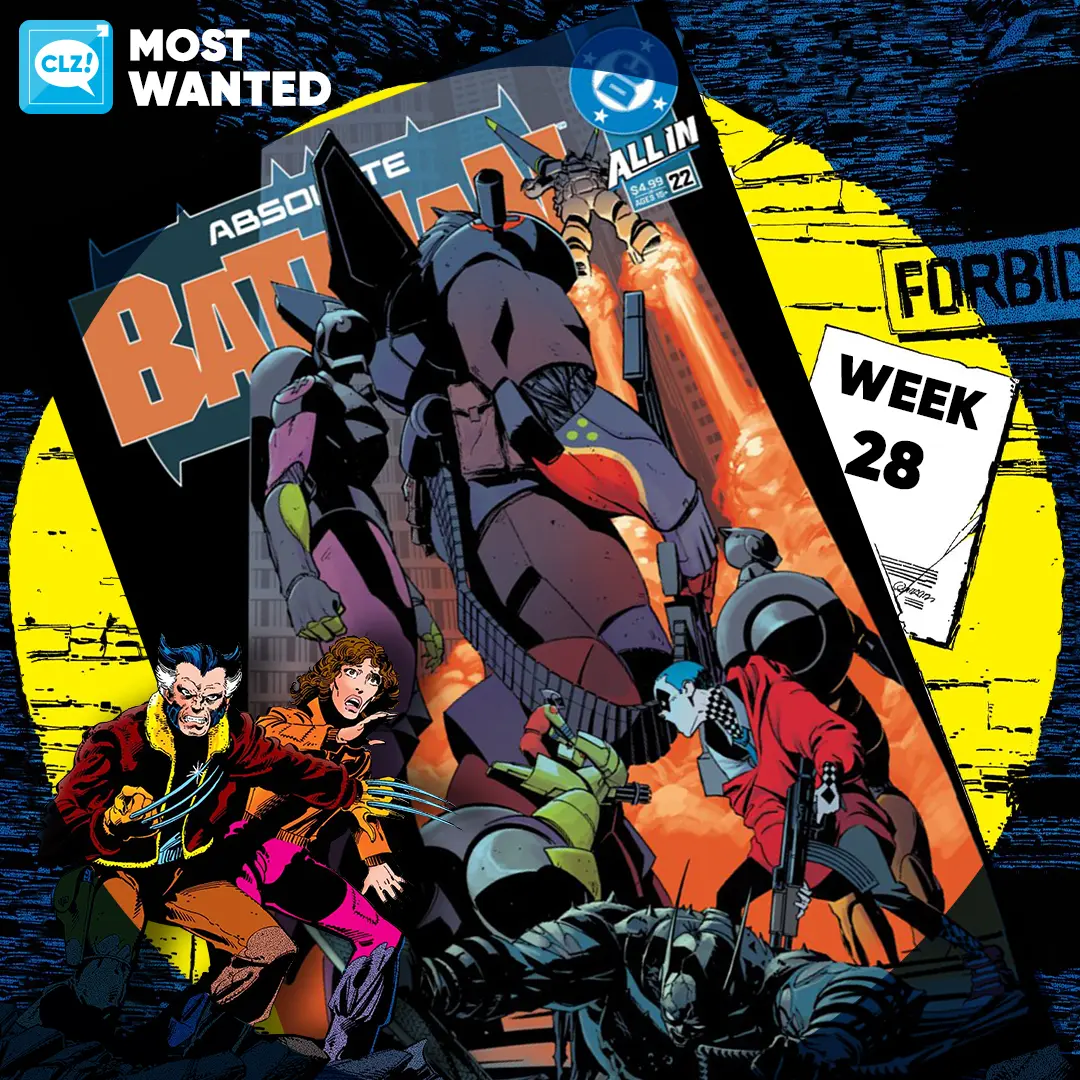
These top-10s are created by you all, the users of the CLZ app and software, as they’re based on how often these comics already appear on your wish lists in the CLZ Cloud, even before release!