What's new in CLZ Comics Web? (page 7)

After a short absence, the Share to Facebook feature is back.
We have now re-implemented this feature using Facebook “stories”.
– Select an item in your collection, click the Share button and select “Facebook”.
– Now enter a personal message and click the Share button.

Which will result in a post like this on your Facebook timeline:

About a month ago, we introduced a new “quick edit” pop-up screen, that is probably already saving you a lot of clicks and page refreshes.
Today we’re taking the next step: Batch editing!
- Click the Select button top right
- Now click entries in your list to select them. They will highlight in light blue.
- Now click Edit on the top right to open the Batch Edit screen.
- Check the checkbox of the fields you want to change, then enter the new value.
- Click Save to apply the changes to all selected items.
This is a very powerful feature that will save you lots of time.
But beware, as Uncle Ben once said: “With great power comes great responsibility”!

BTW: the same selecting system can now be used to remove multiple items in one go.
Super-handy but even scarier if you make a mistake. So be careful!
Are you also using our desktop or mobile cataloging solutions to sync to and from the CLZ Cloud or Connect?
Then this is a big day, as we have completely rewritten the CLZ Cloud syncing mechanism, to make it easier to use, faster and capable of syncing very large databases.

Today’s update is a Connect-only update, not available in the CLZ Cloud viewer. After all, editing items is a privilege of the paid Connect subscriptions 🙂
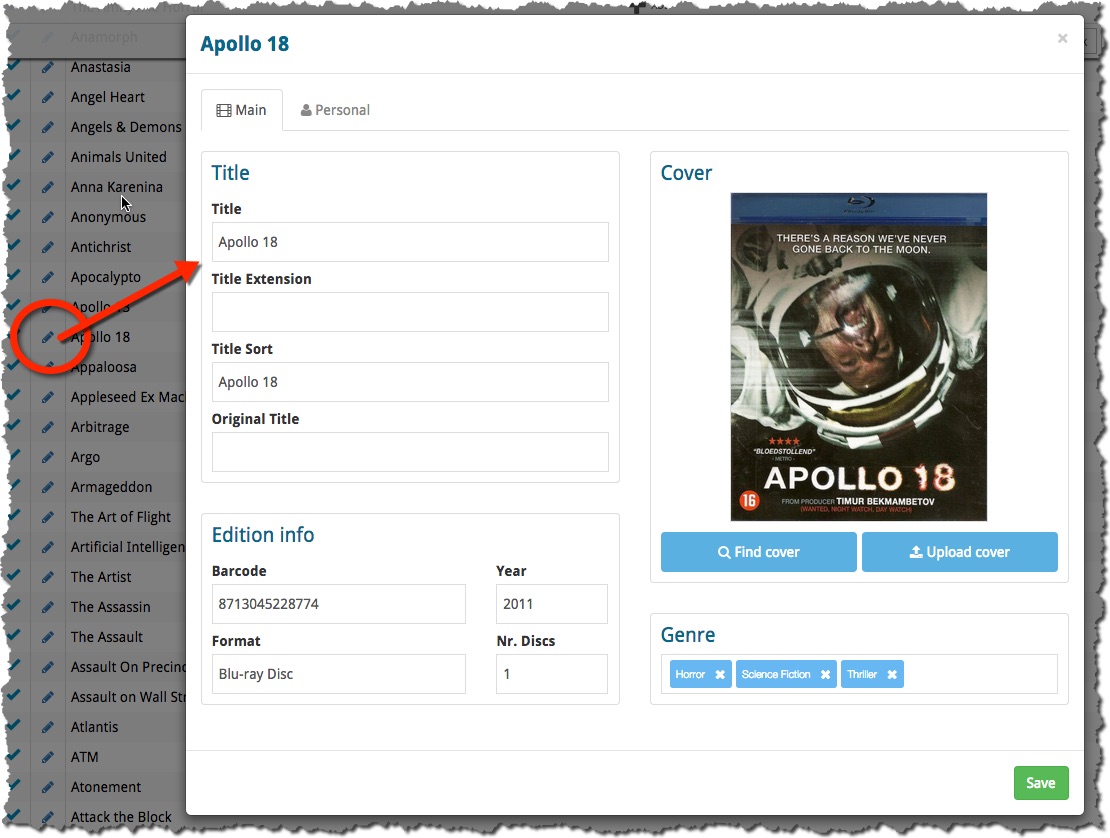
The Edit screen is now a pop-up window, similar to the desktop software, that can be opened from anywhere: from the List View, Cover View, Card View or from an item’s detail page. Opening the edit pop-up from the main list will save you a lot of clicks and page refreshes.
(Previously, editing could only be done on the Edit page, which was only accessible from the Details page of an item.)
Since Connect 2.0, your collection lists use a “Facebook-like” infinite scroll system: just scroll down to the bottom of the page and the next batch of items is loaded. No more needed to Browse through separate pages with Next and Previous buttons.
Today we have made this infinite scrolling a lot smoother, by optimizing the loading process of the pages. In most cases, you won’t even notice a delay when you scroll down.
Happy scrolling!
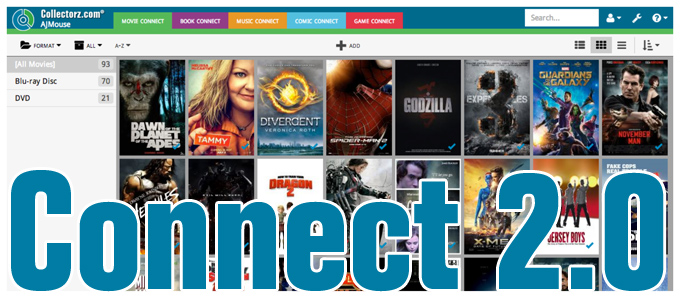
It’s been an ongoing project at our CLZ HQ for a long time, but now it is finally live, Connect 2.0! Connect 2.0 is a completely revamped version of our web-based collection cataloging solutions.
The goal of this new version:
- Introduce a more modern look and feel.
- Support all screen sizes (desktop and mobile) with one app.
- Re-think the user interface to make it more logical and intuitive.
Here’s an overview of what’s new:
Read more