
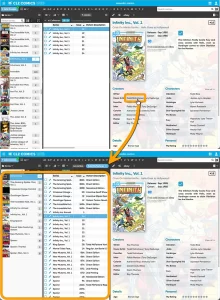
 Here’s one suggested by one of our users: “why can’t we just click on creator name from a comic and then see all comics by that creator?”
That definitely makes sense, and it makes sense for other fields too! So today we’re releasing a new feature which makes it much easier to move through your collection straight from the details panel: Browsing and deepdiving into your collection just became a lot more fun!
While viewing a comic, you can now click on many of the fields in the details panel to instantly find all comics in your database that match that same character, creator, series, story arc, grading info, and more.
For example, click on a creator name, e.g. Todd McFarlane, and CLZ Comics Web will immediately show all your comics that Todd has worked on!
The blue “pill” above your comic list shows exactly which filter is active. Want to go back to your full list? Just click the X in the pill to remove the filter.
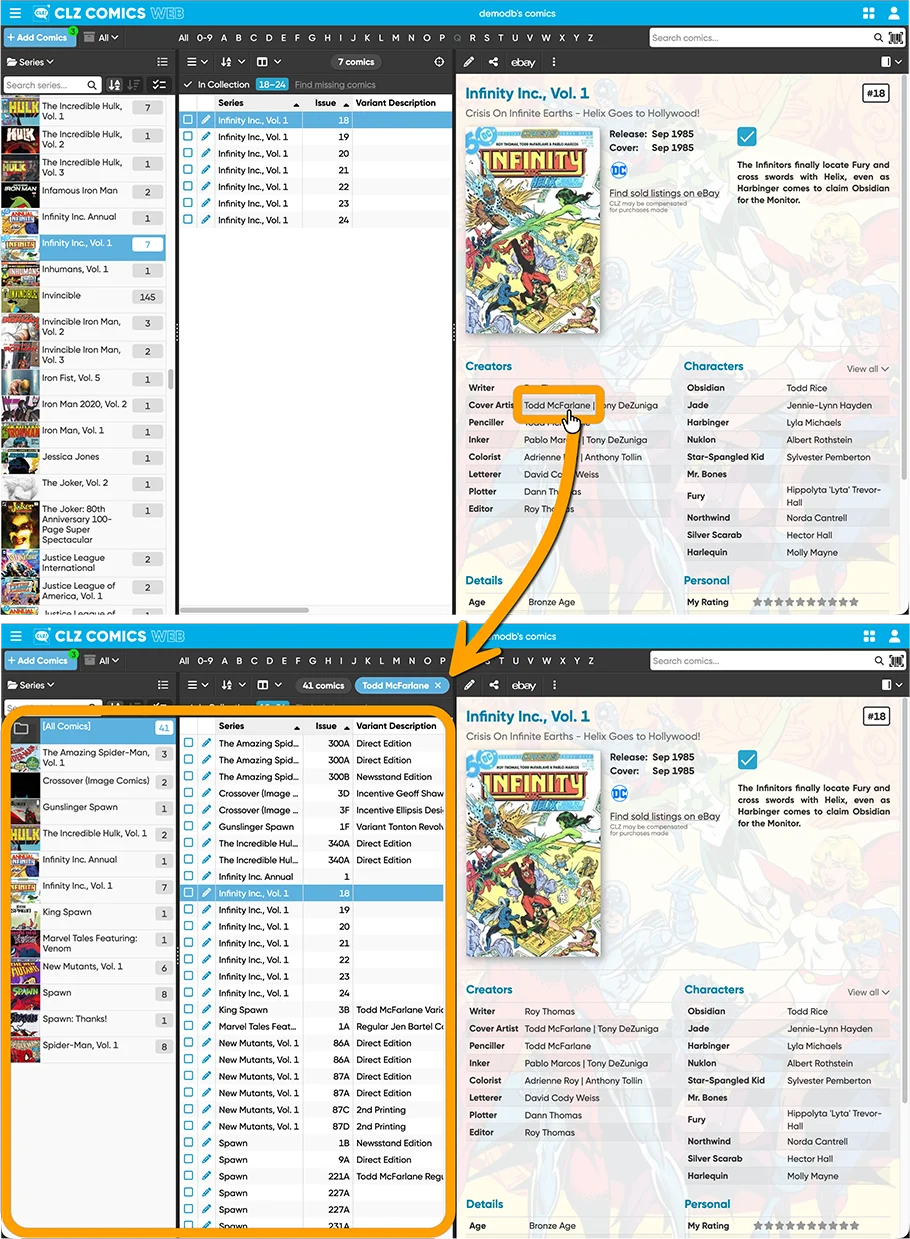
This new click-through feature works on the following fields:
- Characters
- Creators
- Series
- Series Group
- Story Arc
- Crossover
- Key Category
- Grading Company
- Grade
- Label Type
- Storage Box
- Tags