

Quick note for all Vampirella collectors:
We have changed the series titles for the main Vampirella series in Core, to better match their indicia. To update your local entries, use Update from Core with the Series field set to REPLACE.
The long story about Vampirella naming
We have seen some confusion about the naming of the Vampirella series in Core, that is, the Dynamite series. Our volume naming did not match the volumes listed in the indicia.
For example:
- Vol. 3 was called Vol. 4 in Core
- Vol. 4 was called Vol. 5 in Core
- Vol. 5 was called Vol. 6 in Core
- Vol. 6 was called Vol. 7 in Core
- Vol. 7 was called Vol. 8 in Core
- Vol. 8 was called Vol. 9 in Core
The problem was caused long ago, when the Harris vol. 2 series was mistakenly called Vol. 3 in Core, while it should have been kept separate. And then we started numbering from that, ouch…
In general, we are hesitant to change the naming of Series in Core, especially the Vol. numbering, because we run the risk of causing even more confusion. But in this case, it is a clear mistake that keeps coming up, so we decided to go ahead and fix the naming, once and for all:
- “Vampirella, Vol. 1” was renamed to “Vampirella, Vol. 1 (Warren)”
- “Vampirella, Vol. 2” was renamed to “Vampirella, Vol. 1 (Harris)”
- “Vampirella, Vol. 3” was renamed to “Vampirella, Vol. 2 (Harris)”
- “Vampirella, Vol. 4” was renamed to “Vampirella, Vol. 3 (Dynamite)”
- “Vampirella, Vol. 5” was renamed to “Vampirella, Vol. 4 (Dynamite)”
- “Vampirella, Vol. 6” was renamed to “Vampirella, Vol. 5 (Dynamite)”
- “Vampirella, Vol. 7” was renamed to “Vampirella, Vol. 6 (Dynamite)”
- “Vampirella, Vol. 8” was renamed to “Vampirella, Vol. 7 (Dynamite)”
- “Vampirella, Vol. 9” was renamed to “Vampirella, Vol. 8 (Dynamite)”
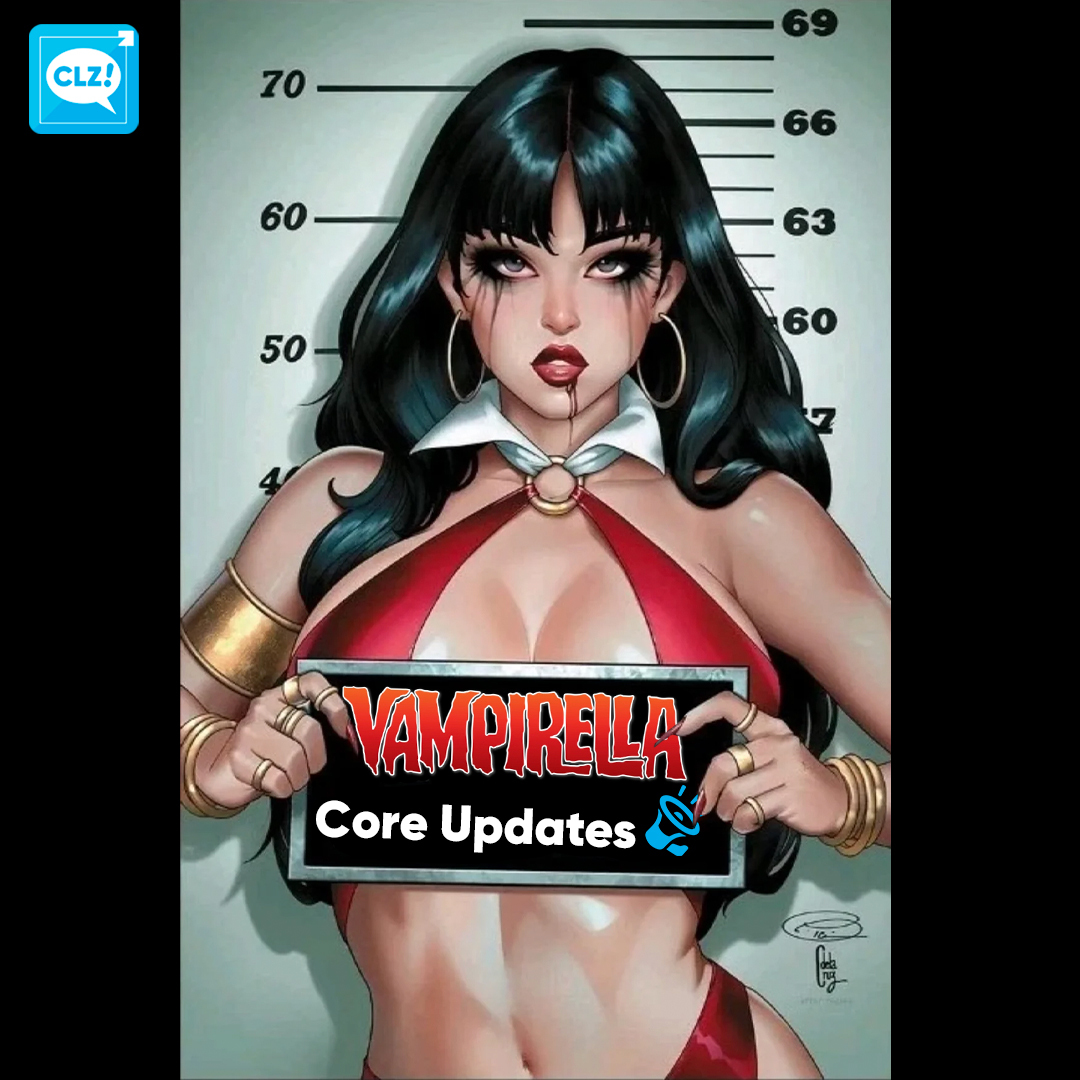
If you own any of these series, we strongly recommend to update them, so that they match our Core naming. This will prevent confusion when adding new issues to your series in the future.
Here’s how to do the Update from Core:
- In your Series list, use the search bar at the top to search for “vampirella”
- Tap and hold on the first Vampirella series to select it
- Now tap the “All” button on the bottom left to select all series
- Tap the Action button on the bottom right and choose “Update from Core”
- In the Settings screen, set the Series field to “Replace”
- Finally, tap “Update” on the bottom right
That’s it, you are now up-to-date with the new naming!