
 This is going to be THE main feature for 2026: Custom Fields!
The Custom Fields feature will let you create your own data fields, to catalog any information for which the software does not have a built-in field.
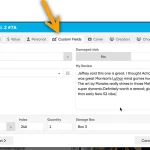
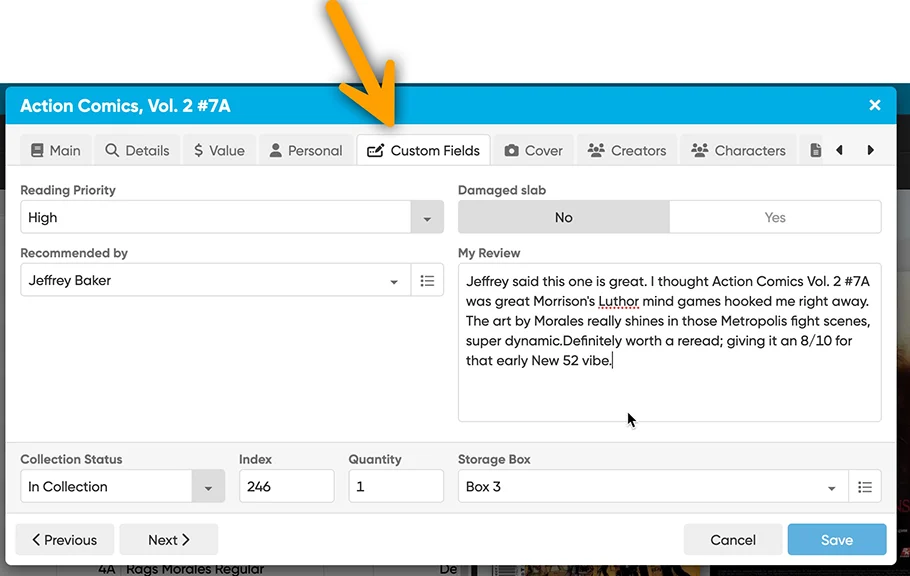
All fields you create will appear on a special Custom Fields tab of the Edit screen. And of course, you will be able to use the fields like any built-in fields, use them as columns, sort on them, use custom pick list fields as folders, add the fields to printed list, exports, etc..
And once the Custom Fields feature has been released for both the Web software and mobile apps, you will be able to sync them back and forth too!
Manage your Custom Fields
Use the Custom Fields screen to manage your custom fields, that is, add new ones, remove them, rename them, etc…
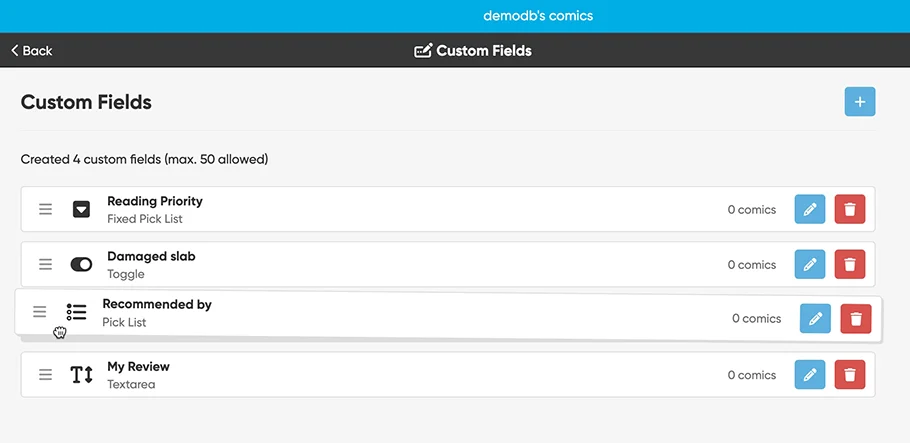
Adding a new Custom Field:
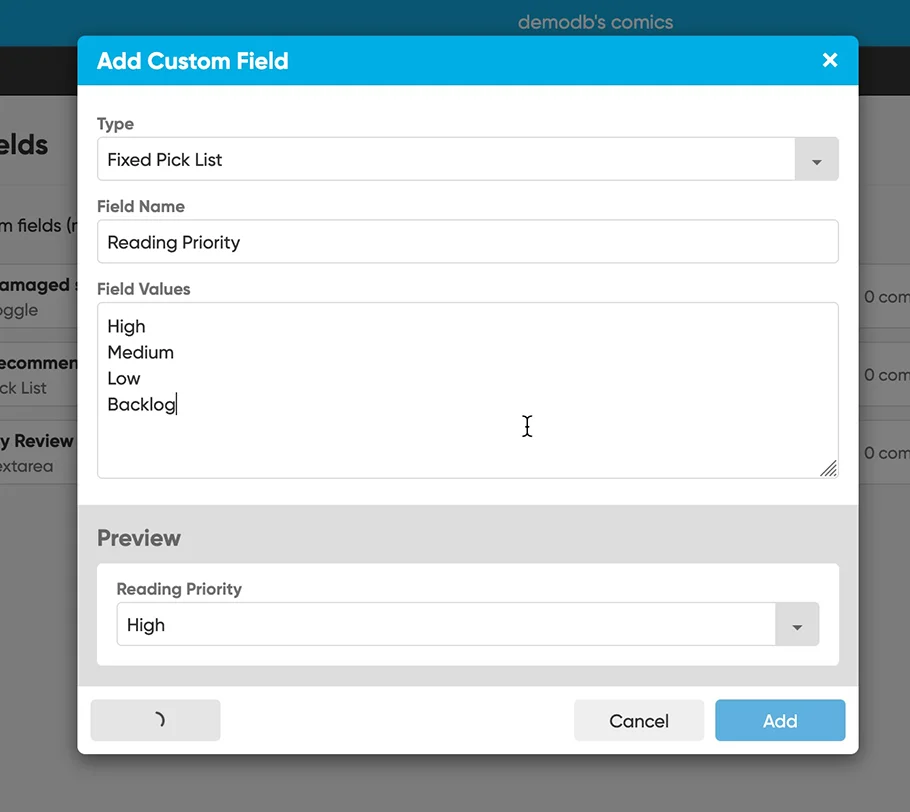
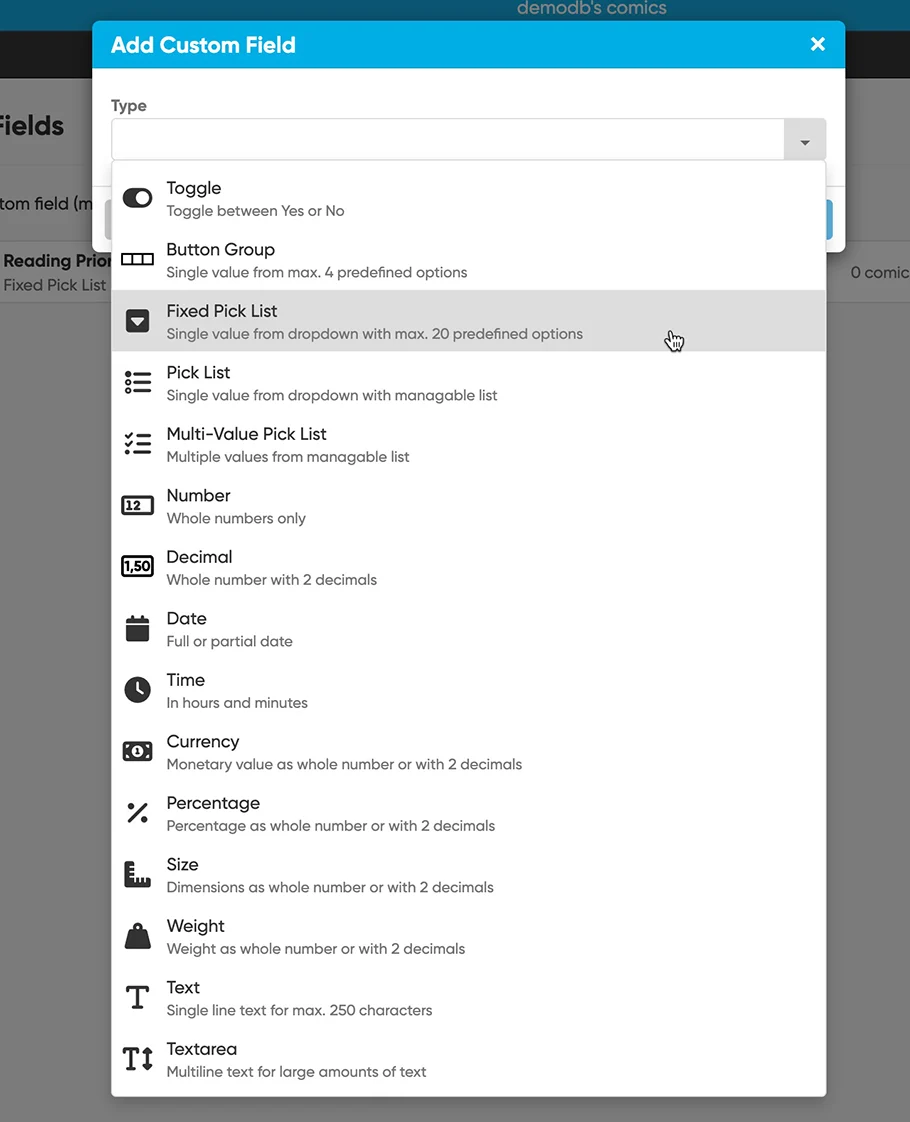
Choose from a wide range of field types. Create simple text fields, number fields, currency fields, yes/no toggles, big text areas (like Notes), even pick list fields and multi-value pick list fields.
- Text
Single line text field (for max. 250 characters) - Textarea
Big text field (for lots more characters) - Toggle
Toggle between Yes and No - Number
Whole numbers only - Decimal
Whole number with 2 decimals - Currency
Monetary value as a whole number or with 2 decimals - Percentage
Percentage as a whole number or with 2 decimals - Weight
Weight as a whole number or with 2 decimals - Size
Dimensions as a whole number or with 2 decimals - Pick List
Pick a single value from dropdown with manageable list - Multi-Value Pick List
Checkbox multiple values from a manageable list - Fixed Button Bar
Choose one from max. 4 options - Fixed List
Choose one from a pre-defined fixed list of max. 20 options - Date
Date controller for full or partial date - Time
In hours and minutes
Fill in your Custom Fields using the special tab in the Edit screen
ETA ?
The Custom Fields feature is in the final phase for the CLZ Web web-based software. We will release it for Web first, then later on bring the same feature to the CLZ mobile apps, allowing full syncing of Custom Fields between the Web and mobile!
ETA for Web: Feb 2026. Then for mobile a few months later?
Again, this is going to be THE killer feature for 2026!