
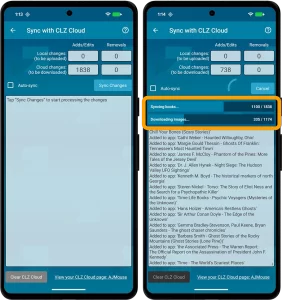
 No new features here, but an important improvement to an existing one: the CLZ Cloud syncing. Our mobile developers Pim and Bernard have implemented three changes that will make the down-syncing of new items from the CLZ Cloud to your app a LOT faster!
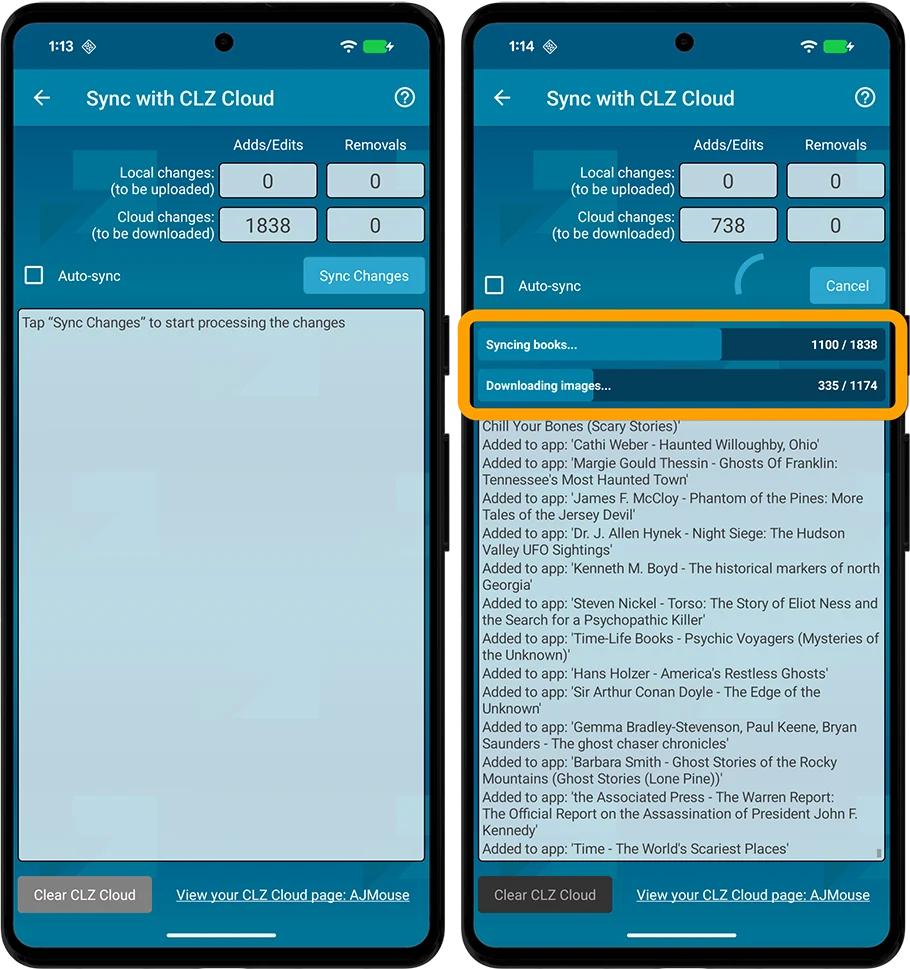
- The syncing now down-syncs the *data* first, while queuing the *image* downloads. This will make the data sync super fast.
- Downloading the images is much quicker too, especially on fast connections, as it downloads multiple images at the same time.
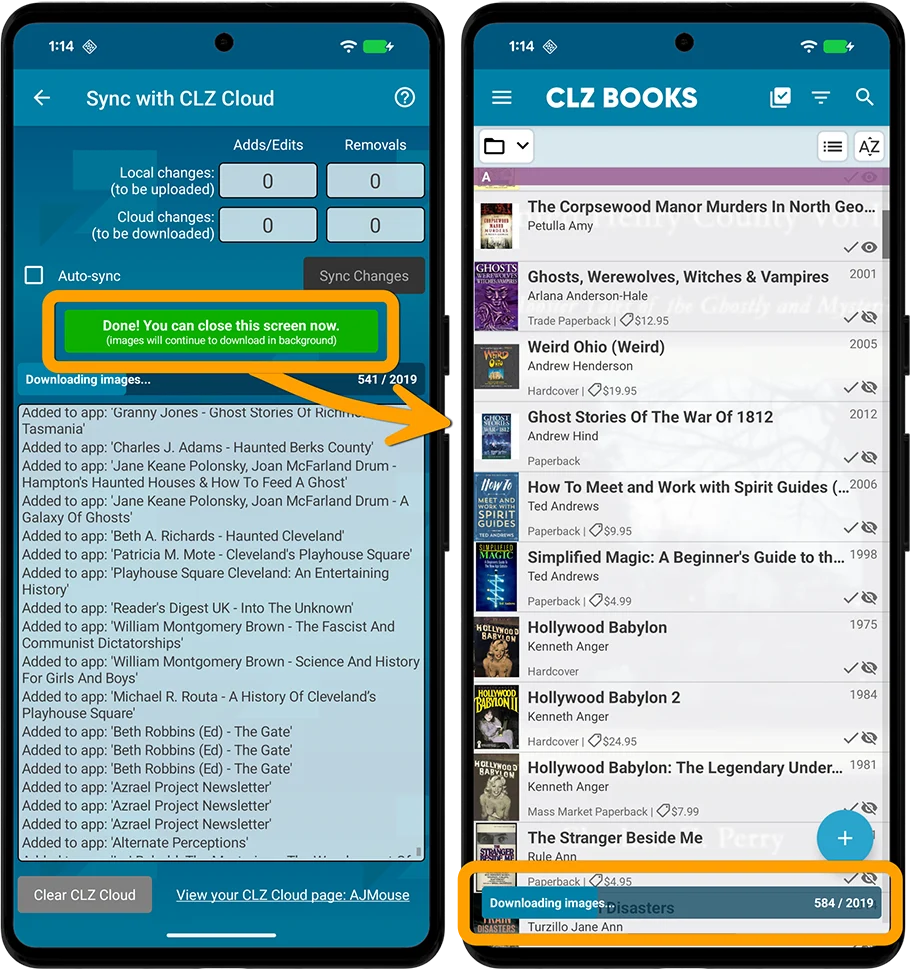
- As soon as the data download has completed, you can close the Sync screen and start using the app. The image downloads will continue at the bottom of the main screen, prioritising images that are “in view”.
The improvement in speed will be most noticeable when re-downloading your complete CLZ Cloud database, e.g.
- After installing the app on a new device
- After removing and re-installing the app
- After Clearing the Database
However, even during normal use, e.g. when syncing between devices, or between the app and the CLZ Web software, you will find the down-syncing to be much faster than before.
Fixed for Android
- Setting to enable Subject downloads wasn’t working correctly
Recent changes
v11.0: Create your own Custom Fields!
Jul 21, 2026
v10.7: Faster down-syncing from CLZ Cloud
Apr 01, 2026
v10.6: Track your Reading History, plus other new data fields
Feb 24, 2026
v10.5 iOS: Disable book values / Search by ISBN10
Jan 07, 2026
v10.5 Android: Smoother navigation / Disable book values / Search by ISBN10
Jan 06, 2026
v10.4: “One-by-One” mode for adding books by ISBN
Nov 14, 2025
v10.3: Automatic eBay search links
Oct 24, 2025
v10.2: Automatic book values and retail prices
Apr 07, 2025
v10.1: Security update
Feb 26, 2025
v10.0: Read ISBN numbers with OCR!
Nov 14, 2024
Sneak Preview: CLZ Books 10.0 – Add books by reading ISBN numbers with OCR
Nov 08, 2024
v9.4: New app icon to fit our new company name and logo
Oct 12, 2024
v9.3: Several improvements and fixes
Sep 27, 2024
v9.0: Collection tabs, better Add Books and “ISBN not found” screens
Apr 19, 2024
v8.5: Easier access to Manage Pick Lists tool
Oct 25, 2023
v8.4: Pre-fill screen: Orange highlights and a Clear button
Oct 16, 2023
v8.3.1: New in-app getting started tips
Sep 13, 2023
v8.2: New Sync button on main screen
Sep 06, 2023
v8.1: Use multiple folder levels
May 13, 2023
v8.0: 7 new data fields!
Jan 16, 2023
v7.4 New “Card View”
May 12, 2022
v7.3: Back Cover images!
Mar 29, 2022
v7.2: Progress Bars and Cancel buttons!
Mar 15, 2022
v7.1: Improved Pre-fill screen: choose your own fields!
Jan 27, 2022
v7.0: New features and lots of improvements
Dec 01, 2021