CLZ is THE collection database software!
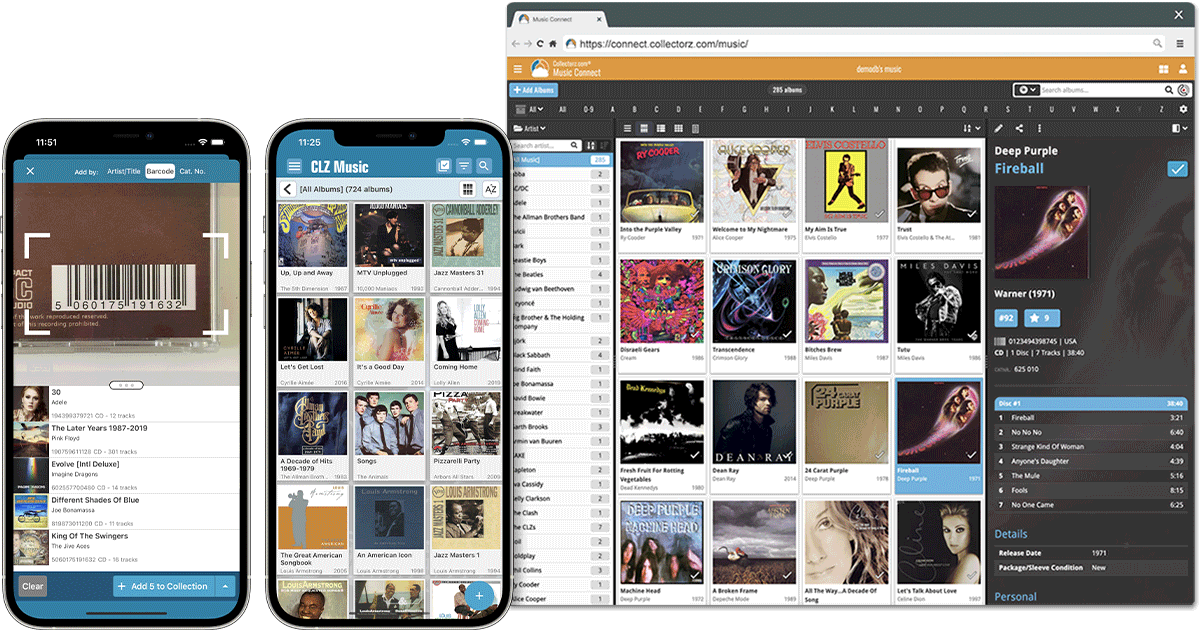
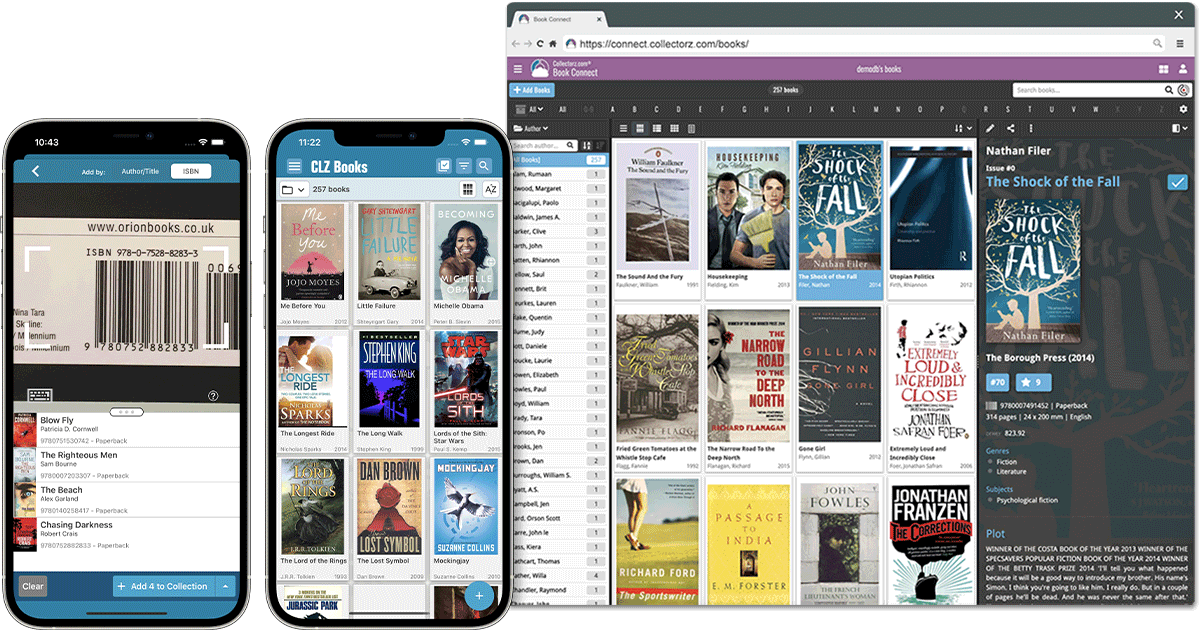
Easily catalog your comics, movies, video games, music or books.
Work on your phone or computer and sync data between them.
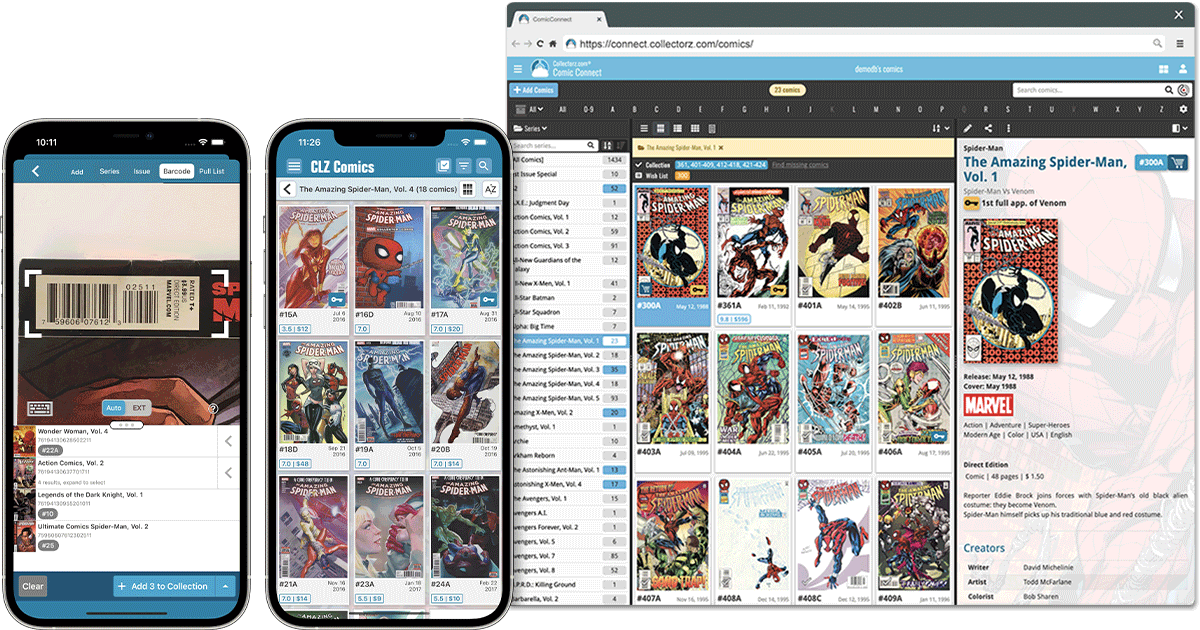
 CLZ Comics
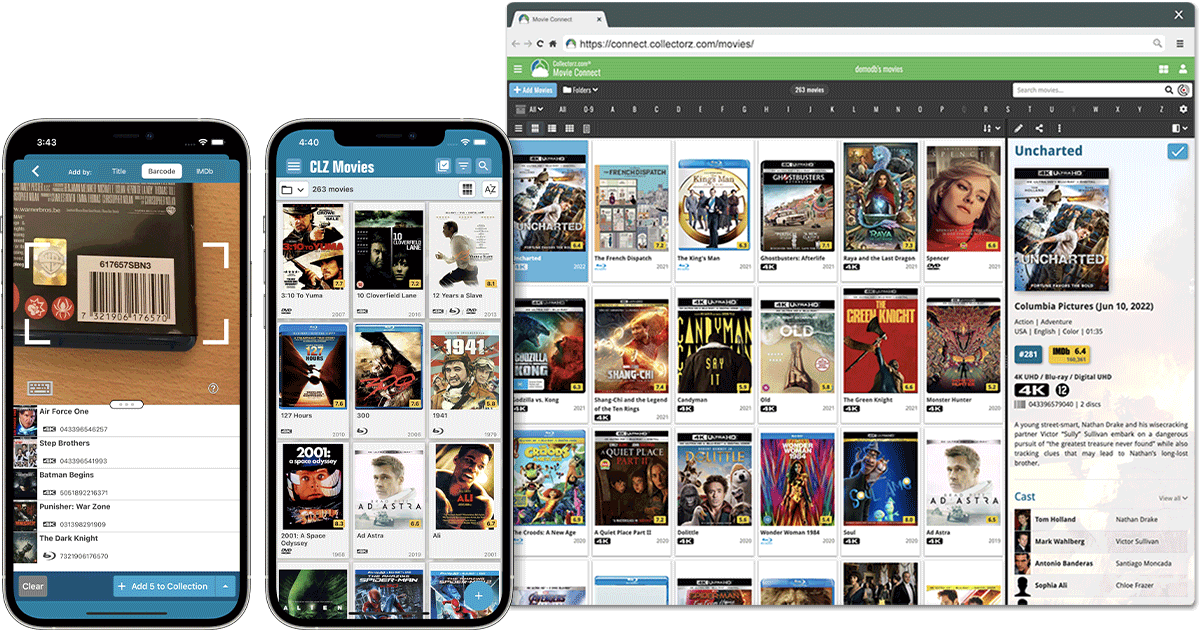
 CLZ Movies
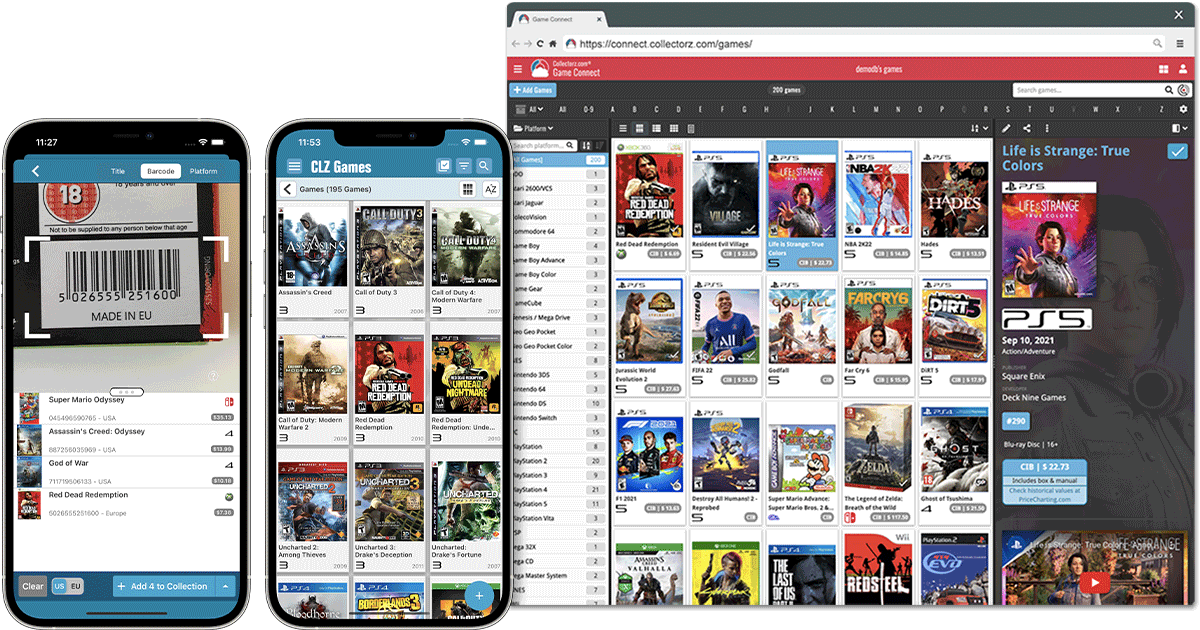
 CLZ Games
 CLZ Music
 CLZ Books
Reviews from CLZ users
I would also like to congratulate you on your excellent customer service. Your kindness, professionalism, and prompt assistance have been truly appreciated and made a real difference.
Thank you again for all your help
A friend of mine has two or three of your apps. I saw him updating his movie collection and first learned about them. I can't believe the scale and scope of the kind of data that can be customized and stored. I signed up for the trial but I'll keep subscribing for sure.
Really amazing and clean apps. Reminds me of the old days. Keep up the great work.
Latest CLZ news

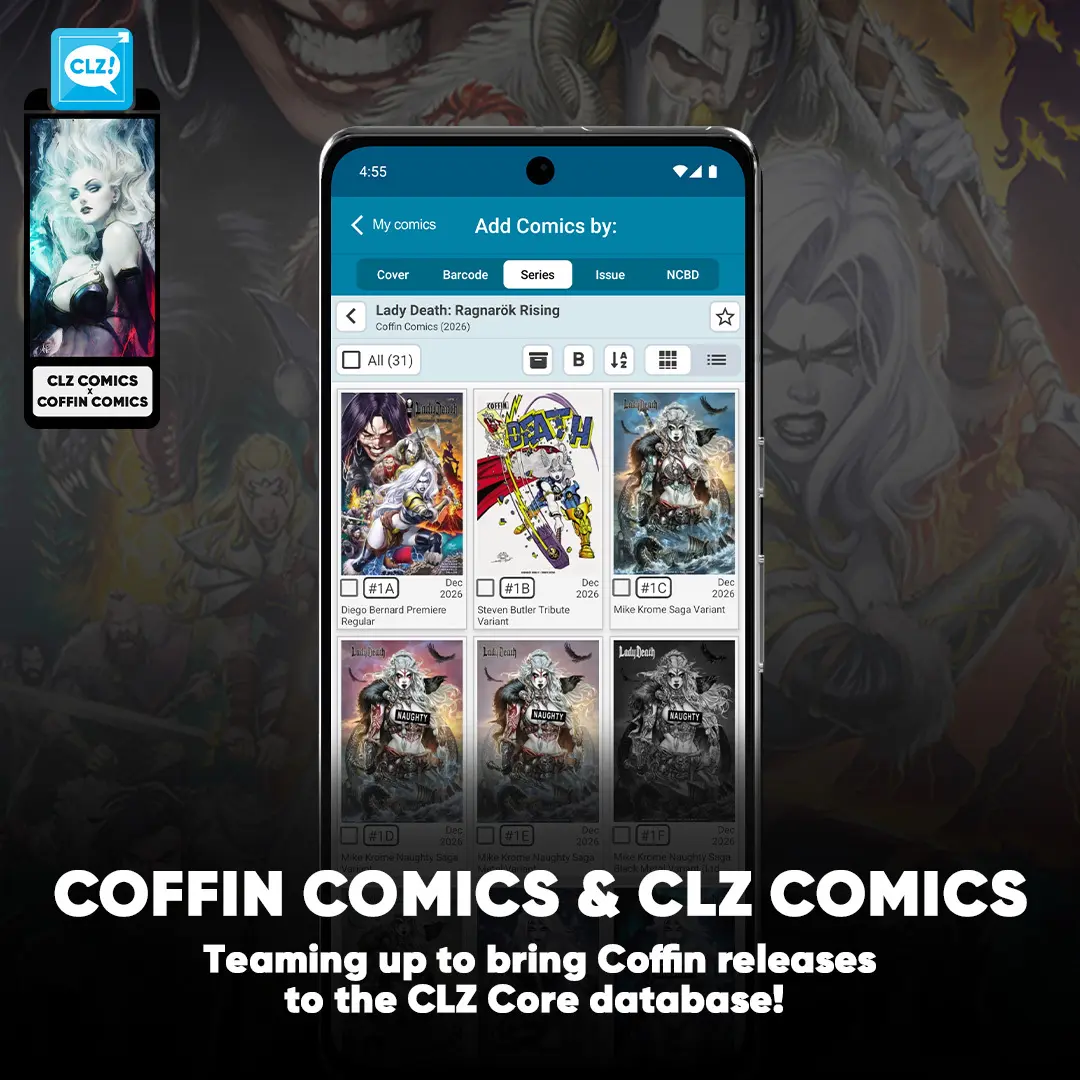
We’re excited to announce that we’re now working with the team at Coffin Comics to help bring their books into CLZ!
Our goal is to make sure their new exclusives and upcoming releases are available in the CLZ database around the time they reach your hands. We’ll also be working together to fill in gaps from their back catalogue wherever possible.
If you come across a Coffin Comics book that isn’t in CLZ yet or notice something that could be corrected, let us know over at Club CLZ, where members of the Coffin Comics team are also active and happy to help.
A big welcome to the Coffin Comics team, and thanks for helping us make CLZ even better for collectors!
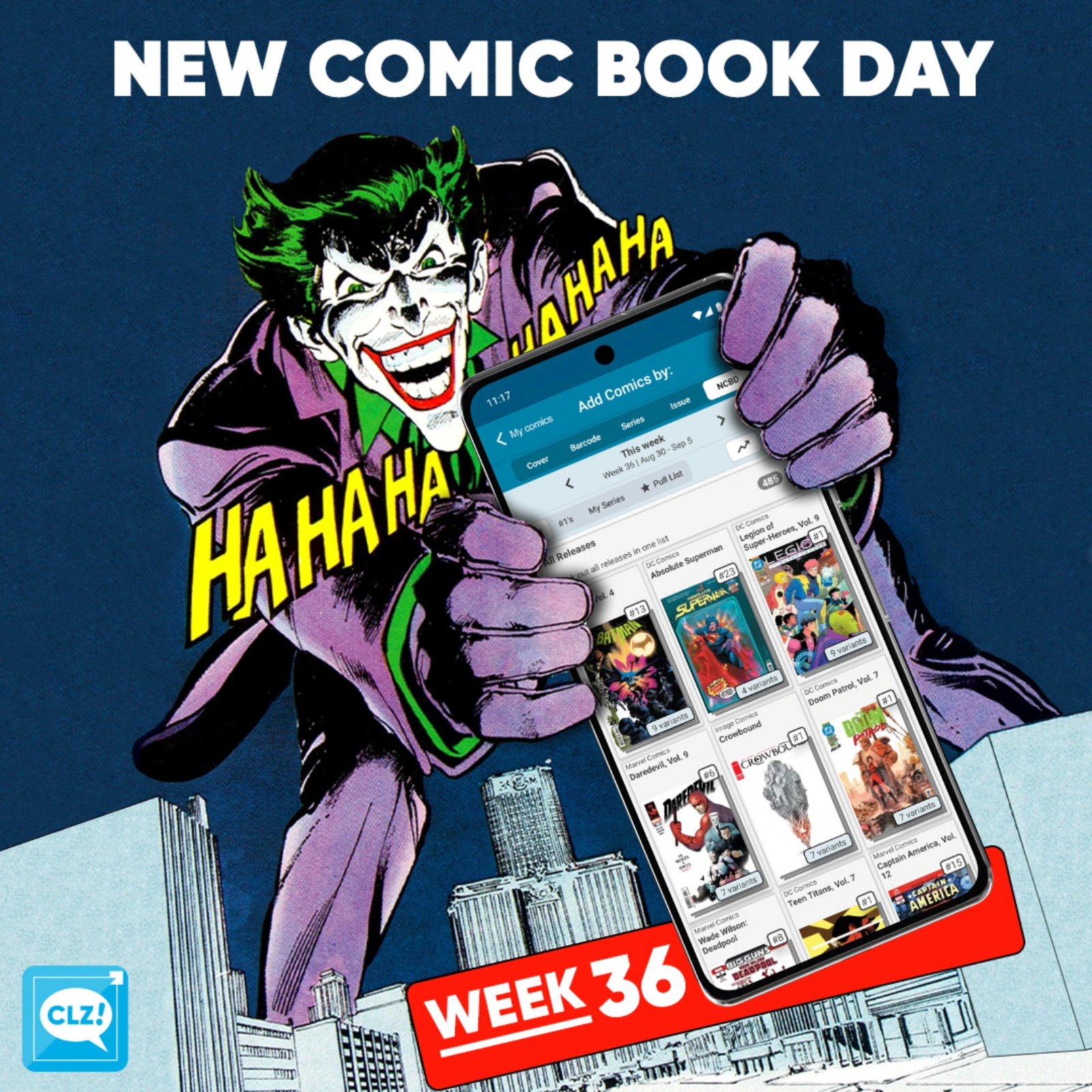
It’s another exciting week for new comic releases, with several standout issues that are definitely worth adding to your pull list! Let’s take a closer look at what’s hitting the shelves this week:
First up is Doom Patrol, Vol. 7 #1. A brand-new volume for one of DC’s strangest and most beloved teams, this issue is a great jumping-on point for anyone looking to get back into the world of the Doom Patrol—or discover them for the first time.
Our second highlight is Teen Titans, Vol. 7 #1, kicking off a new chapter for DC’s young heroes. Written by Kyle Higgins (Radiant Black), this new series brings a fresh creative direction to the team, making this another issue worth keeping an eye on.
Next up, Absolute Batman #1 is back on shelves with its 12th printing. So, if you somehow missed the first eleven opportunities to pick up Absolute Batman #1… good news, DC is giving you one more chance!
Last, we take a look at Crowbound #1 (Image Comics). A brand-new series from Image, this is one to watch if you’re looking for something completely new to add to your pull list. This is described as a “part post-apocalyptic western, part southern gothic, part dark fantasy”.
All comics releasing this week can be found in the NCBD tab on your Add Comics screen. Every new release has been carefully cleaned up, with lots of extra information added, so be sure to check them out in the app—whether you’re at your local comic shop or back home adding the stack you just picked up!
Happy reading!
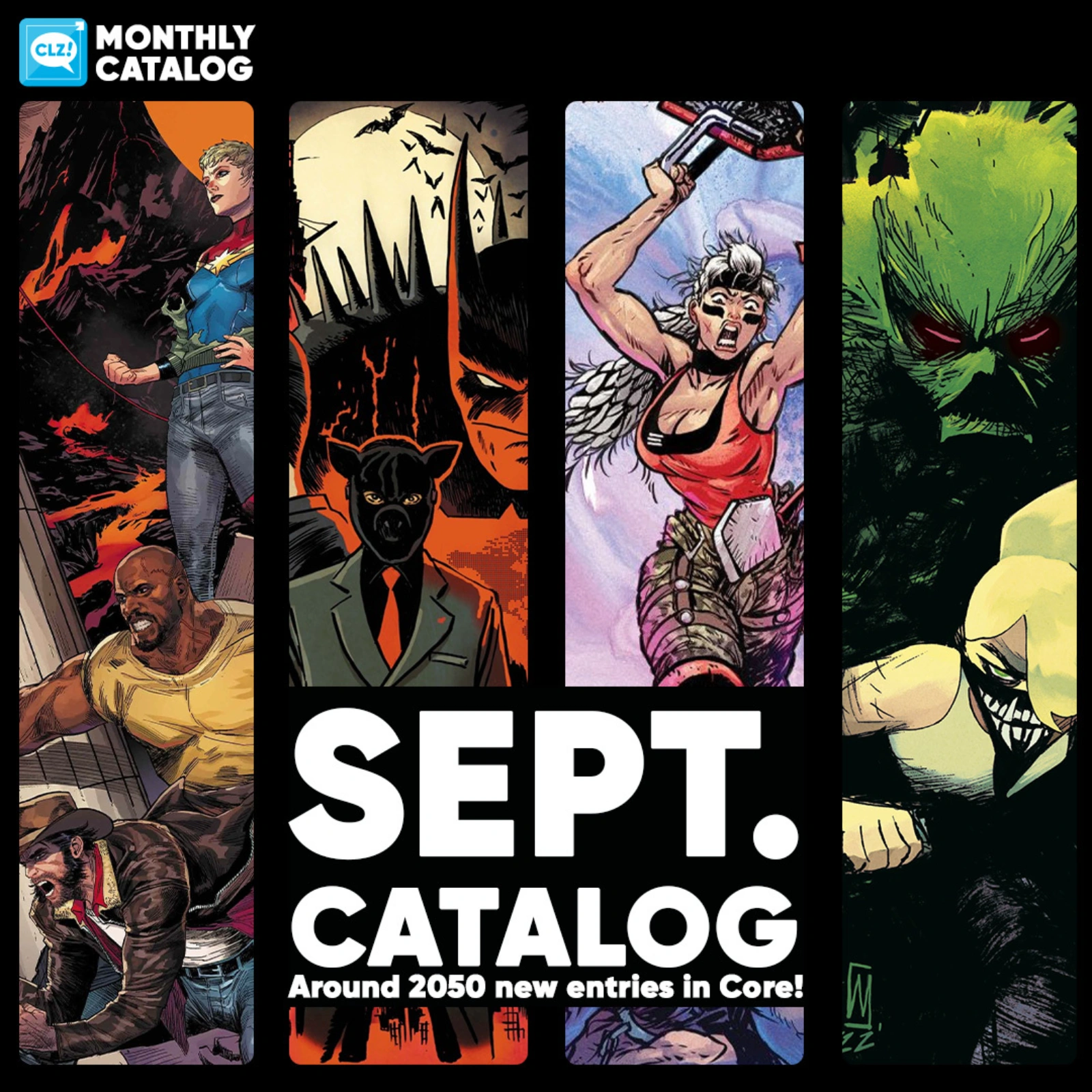
Our content managers have worked hard to get all the new titles from the September catalogs into Core.
Some new titles include:
- Swamp Thing Is Killing The Children #1
- Friendly Neighborhood Mary Jane #1
- Jean Grey, Vol. 3 #1
- Exquisite Corpses: Lone Gunman #1
- …and much more!
In total, we counted around 2050 new entries for this month!
They are now all available to add to your “On Order” list in the CLZ Comics app.
[CLZ News] Music Web: export/print song lists / Automatic book Sort Titles from CLZ Core
Hi there,
It’s been a month, so I am back with the next CLZ newsletter, the August ’26 edition.
This month, lots of background work for upcoming updates (custom images for the mobile apps!) and a really cool new feature for our comic scanner tool (read more about both below.
But still, we have been able to crank out several smaller releases and one import improvement to our CLZ Core for books.
Today’s topics:
- CLZ Music Web: Export and Print track lists
- CLZ Books: Automatic Sort Titles from CLZ Core
- CLZ mobile apps for Android: Better layouts for tablets and foldable devices
- What’s cooking?
- CLZ mobile apps: Add up to 5 custom images to your entries
- CLZ Comics: “Slab Detector” for the Cover Scanner!
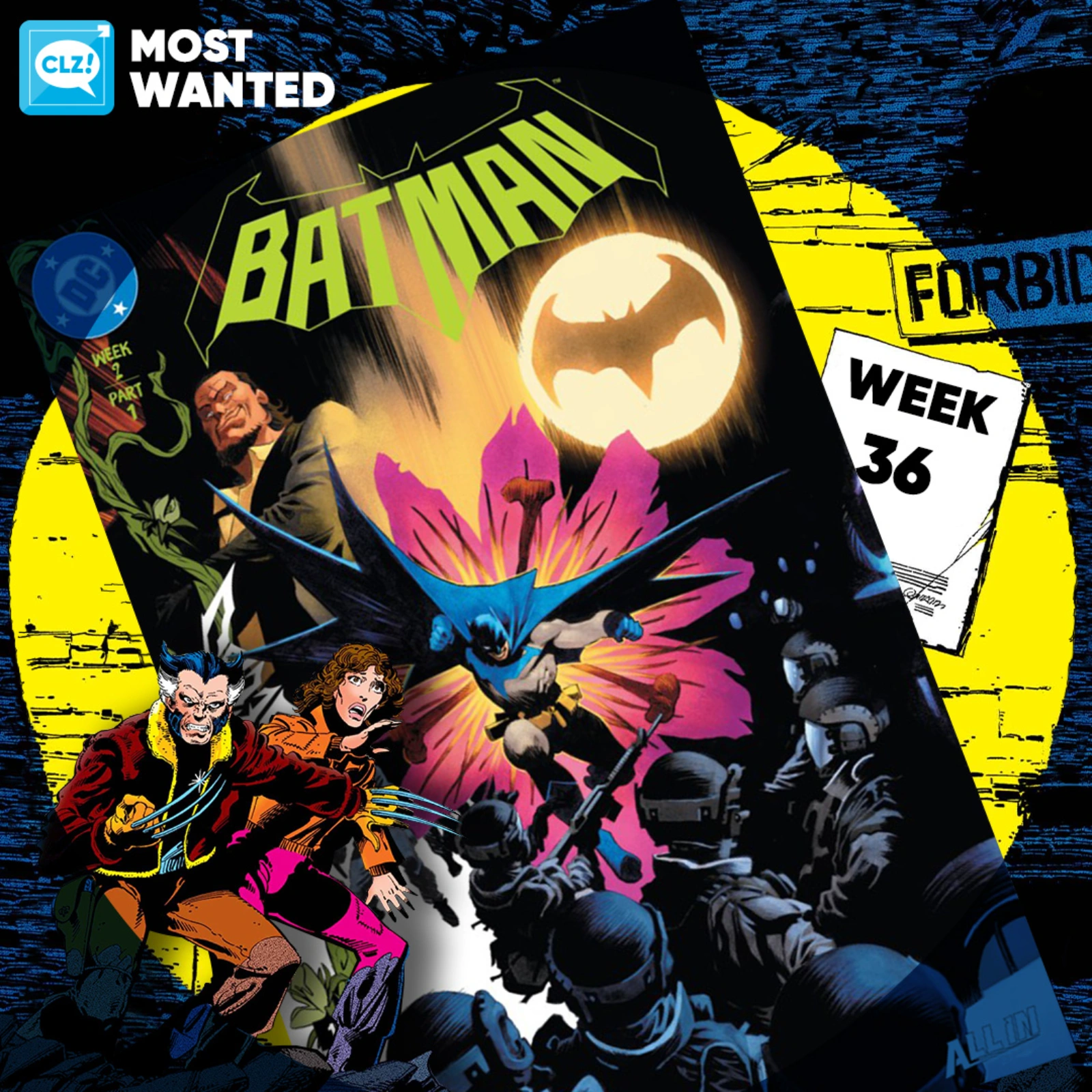
These top-10s are created by you all, the users of the CLZ app and software, as they’re based on how often these comics already appear on your wish lists in the CLZ Cloud, even before release!

 The CLZ Music Web software (and the CLZ Cloud site too), has always allowed the Printing and Exporting of album lists. However, a feature that has been frequently requested over the years, is the ability to print and export track lists.
This was technically a bit harder to accomplish, so we postponed implementing this for quite a while. But in the past few weeks, our web developer Joe sat down and made it happen anyway 🙂
And today, we released the feature to your live Web software, for both the Export to CSV tool and the Print to PDF tool.
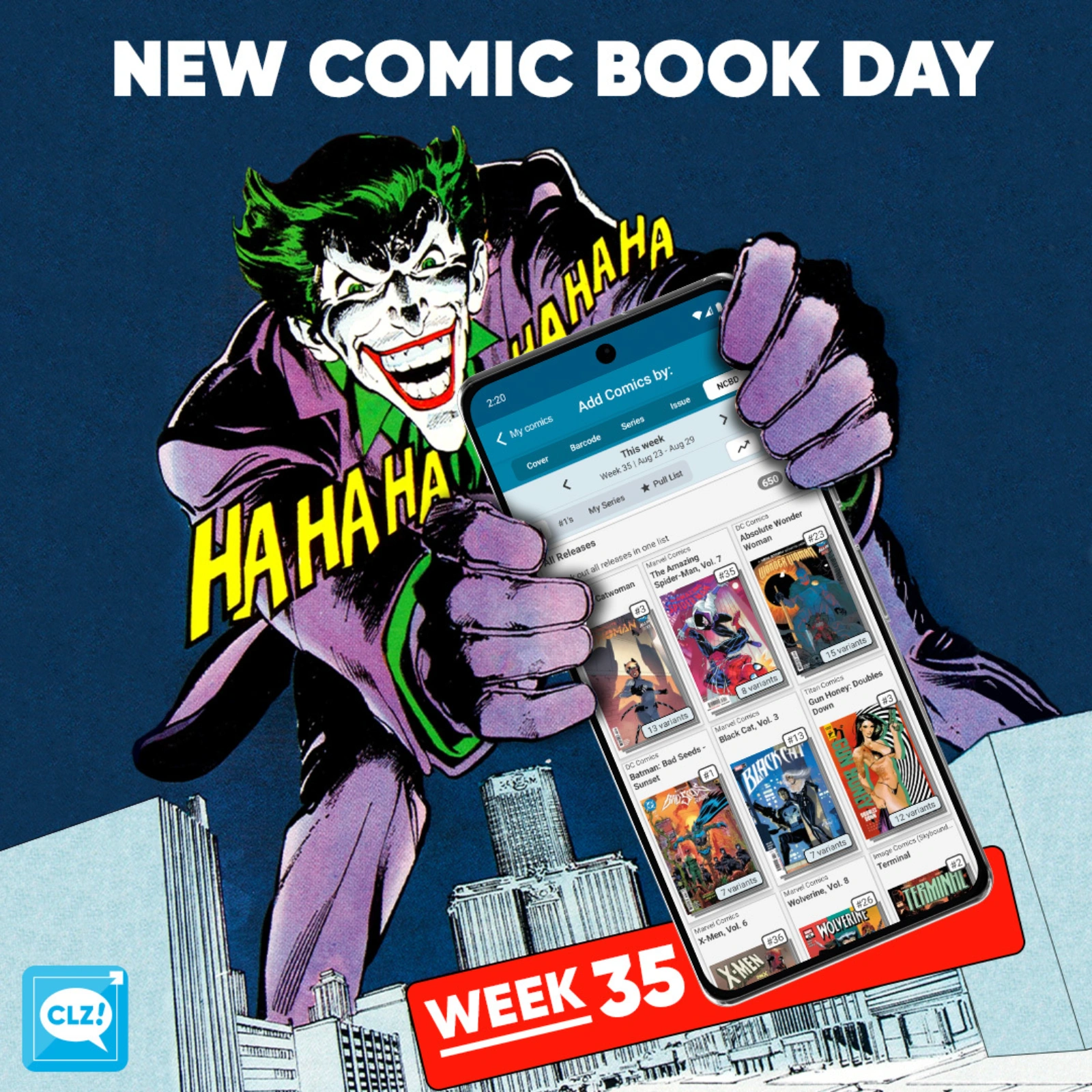
It’s another exciting week for new comic releases, with a few standout issues that are definitely worth adding to your pull list! Let’s take a closer look at what’s hitting the shelves this week:
First up is The Amazing Spider-Man, Vol. 7 #35, a particularly notable issue as it marks the final issue before the series reaches the massive milestone of issue #1000! With such a major landmark on the horizon, this is a great time to catch up with Spidey before the next chapter begins.
Our second highlight is X-Men, Vol. 6 #36. This issue looks set to kick off a new chapter for Marvel’s mutant heroes, with DNX beginning here. If you’re following the latest developments in the X-Men line, this is one issue you’ll want to keep an eye on.
Last, we take a look at Hammerfist #1 (Image). A brand-new series from Image Comics, written by Rick Remender and illustrated by Steve Epting. The series follows a washed-up hitman who is forced to become an unlikely hero.
All comics releasing this week can be found in the NCBD tab on your Add Comics screen. Every new release has been carefully cleaned up, with lots of extra information added, so be sure to check them out in the app—whether you’re at your local comic shop or back home adding the stack you just picked up!
Happy reading!

Today, a nice server-side update that will improve the “sorting by title” for your books.
A bit of background:
Our CLZ Books mobile app and the CLZ Books Web software have always include a Sort Title field, right under the Title field in the Edit Book screen. You can use it to control the sorting of your books when the app is set to sort by Author/Title.
For example, a book titled “The Client” will sort under the “T’s” by default. But if you change the Sort Title to just “Client” (removing “The”), it will sort nicely in the C section where it belongs.
However, you needed to do that manually for all books where is was applicable.
But not anymore!
Fixed:
- The “Remove unused pick list items” option could crash the app
- Custom Field: Time now supports four-digit hours
- Custom Field folders were not remembered after restarting the app
- Custom Field Preview was not displayed correctly on smaller phones
- The keyboard could not be dismissed when adding or editing a Custom Field
- Some users received too many “Please rate this app” popups
- Custom Fields: Fixed List/Fixed Button Bar: It wasn’t possible to add more than 1 value
Fixed:
- Updating from Core could freeze the app
- After tapping a suggestion from the search in main screen, using Back would make the app go back to the top of the list
- A couple of layouts for foldable devices weren’t displayed correctly when using 3-button navigation
- Update from Core: some books were erroneously reported as updated